Open the dashboard and find the theme control
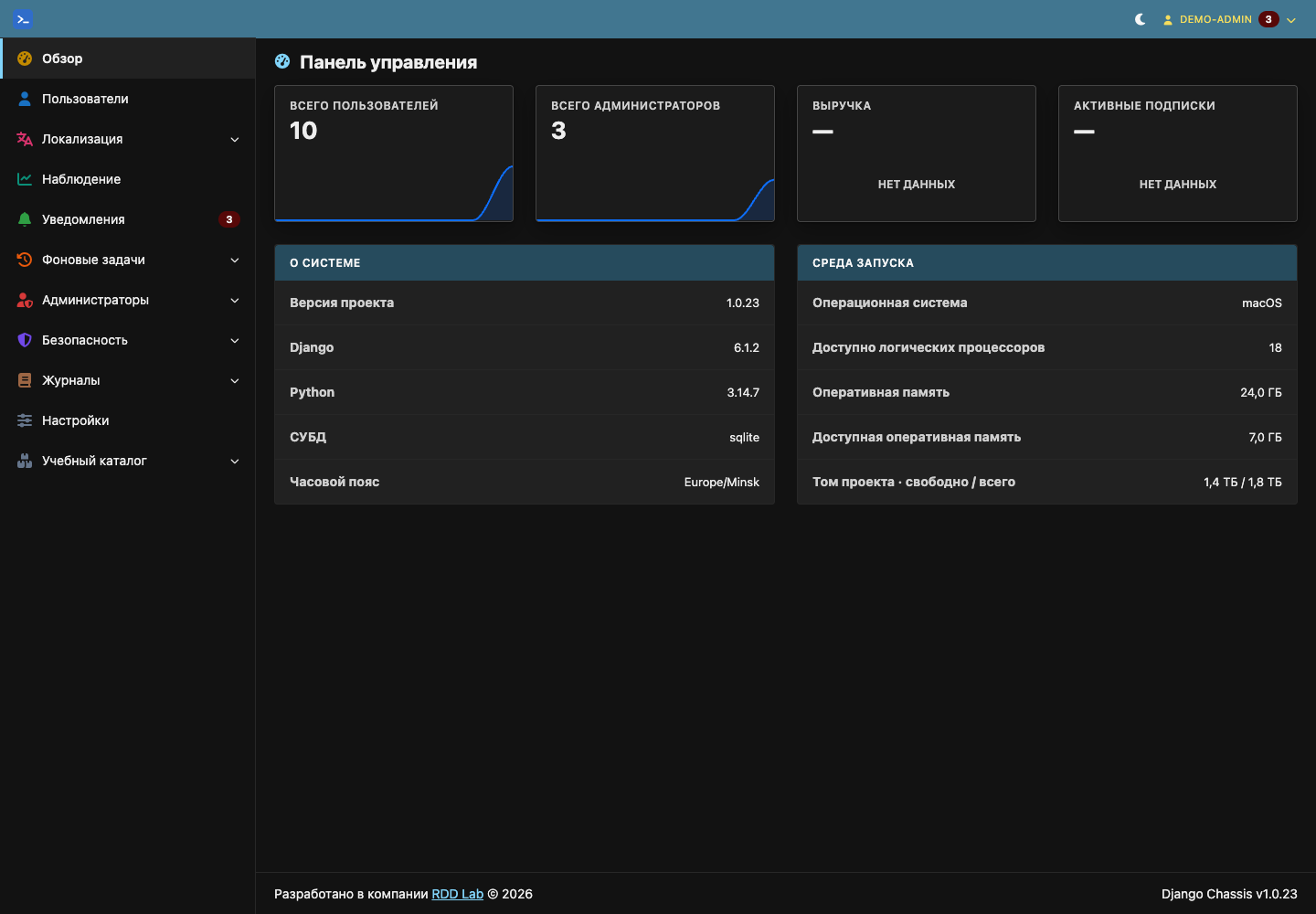
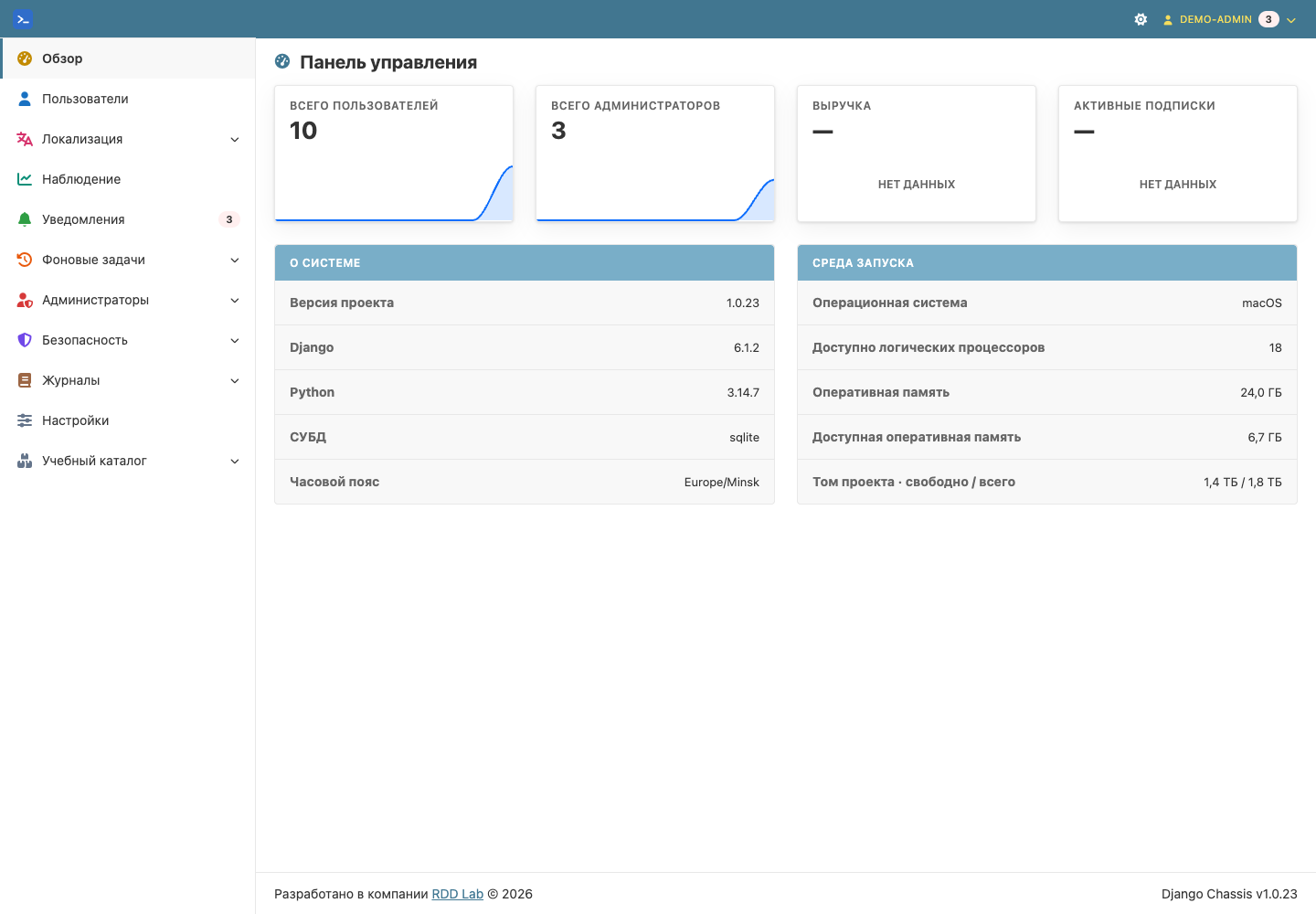
Drag the divider or use the arrow keys to compare themes.
Django Chassis 1.0.23 · training site with Russian UI
- The AdminSite sidebar groups the available sections.
- The top bar contains the theme control and the administrator menu.
- Dashboard blocks render project data using Chassis chart components.
- The information card accepts typed items, links and status values.
How to add it
In src/apps/admins/site.py, add the dashboard classes, blocks and catalog sidebar section to the existing PlatformAdminSite. The snippet uses the demo's TotalUsersChart and ApplicationDetailsCard from src/apps/admins/dashboard_components/. Register Device on that same site before mounting its URLs. The stock Chassis navbar supplies the theme control.
from django.contrib.admin import AdminSite
from django_chassis.dto import DashboardBlockDTO
from django_chassis.enums import DashboardBlockType
from django_chassis.mixins import ChassisAdminSiteMixin
from django_chassis.options import SidebarModelItemOption, SidebarSectionOption

from apps.admins.dashboard_components import ApplicationDetailsCard, TotalUsersChart


class PlatformAdminSite(ChassisAdminSiteMixin, AdminSite):
    sidebar_items = [
        SidebarSectionOption(
            slug='demo-catalog', label='Catalog', icon_class='fa-solid fa-boxes-stacked',
            items=[SidebarModelItemOption(model='catalog_demo.device')]
        )
    ]
    dashboard_component_classes = [TotalUsersChart, ApplicationDetailsCard]
    dashboard_blocks = [
        DashboardBlockDTO(
            slug='users', title=TotalUsersChart.label, block_type=DashboardBlockType.CHART,
            component_slugs=[TotalUsersChart.slug], size=2
        ),
        DashboardBlockDTO(
            slug='application-details', title=ApplicationDetailsCard.label,
            block_type=DashboardBlockType.CARD, component_slugs=[ApplicationDetailsCard.slug], size=2
        )
    ]
Keep your existing entries in each list when adding these blocks. The demo card returns a DashboardCardDTO with a typed information section. Its template in src/apps/admins/templates/admins/dashboard/information_section.html uses Chassis's information rows.