Follow the project setup wizard
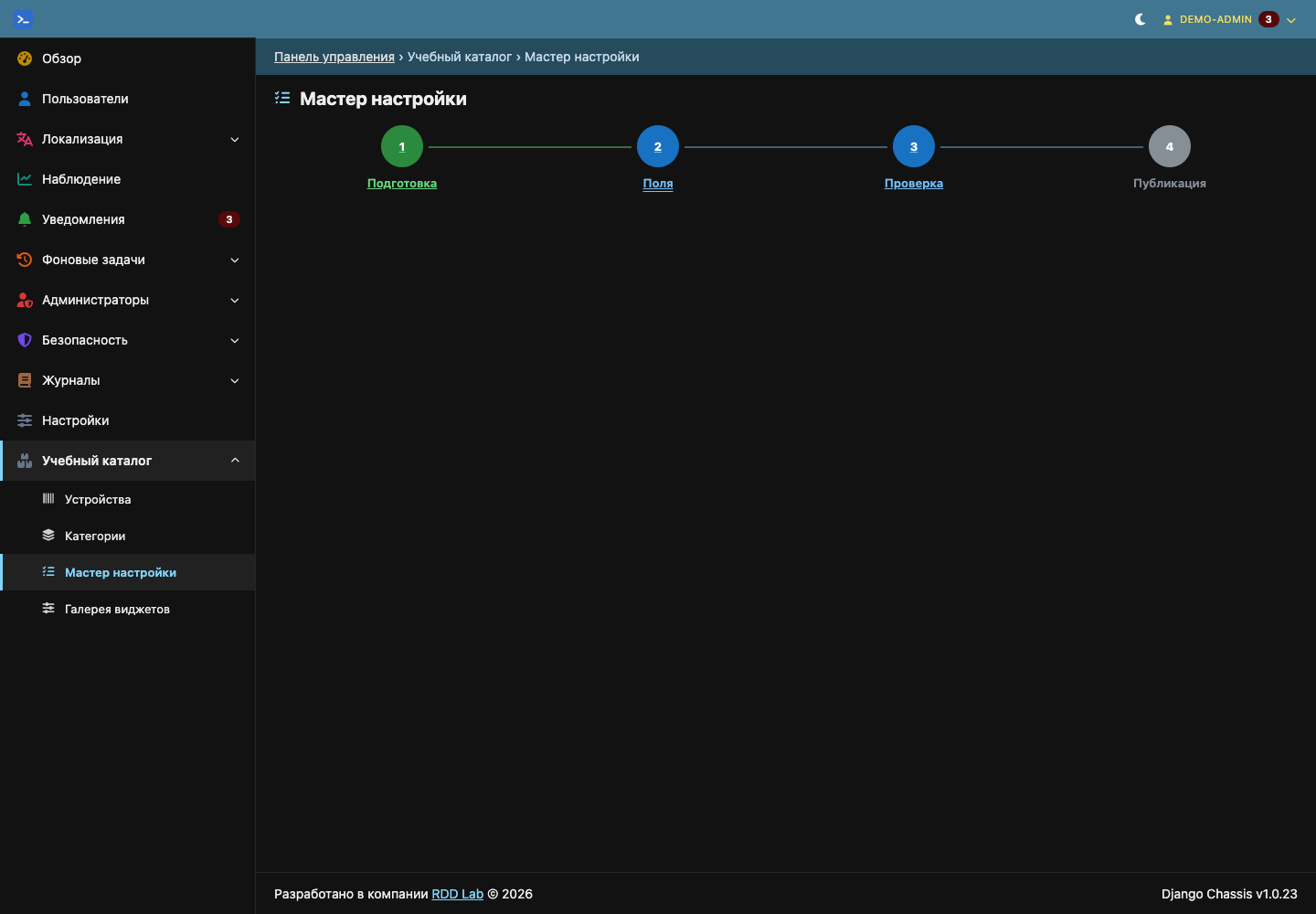
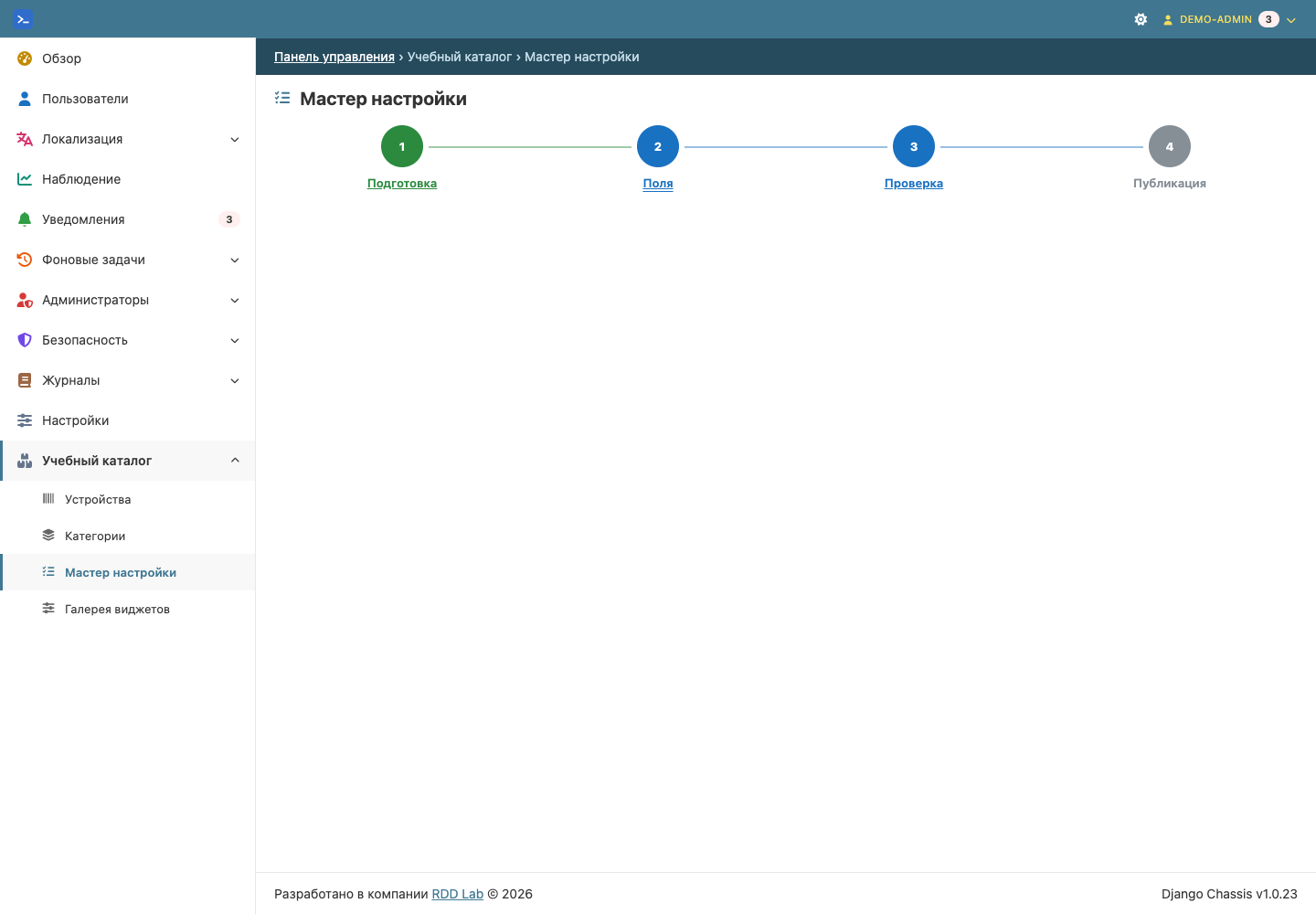
Drag the divider or use the arrow keys to compare themes.
Django Chassis 1.0.23 · training site with Russian UI
- A completed step remains available to revisit.
- The selected step is marked for sighted users and assistive technology.
- The locked step has no navigable link.
How to add it
Put the page in catalog_demo/wizard_page.py and append CatalogWizardPage to PlatformAdminSite.chassis_page_classes in src/apps/admins/site.py. For a sidebar entry, add SidebarPageItemOption(page_slug=CatalogWizardPage.slug) in the catalog section's items in catalog_demo/apps.py. The existing permission catalog_demo.view_device gives staff access.
from django.http import HttpRequest, HttpResponse
from django_chassis.dto import WizardStepDTO
from django_chassis.options import PermissionOption
from django_chassis.views import PermissionAdminPage, WizardAdminPage


class CatalogWizardPage(WizardAdminPage, PermissionAdminPage):
    slug = 'catalog-setup'
    title = 'Catalog setup'
    label = 'Setup wizard'
    permission = PermissionOption(
        app_label='catalog_demo', model='device', codename='view_device', name='View devices'
    )

    def view(self, request: HttpRequest) -> HttpResponse:
        step = request.GET.get('step', 'fields')
        if step not in ('start', 'fields', 'review'):
            step = 'fields'
        return self.render(request, wizard_steps=[
            WizardStepDTO(label='Prepare', url='?step=start', state='complete', available=True,
                          selected=step == 'start'),
            WizardStepDTO(label='Fields', url='?step=fields', state='current', available=True,
                          selected=step == 'fields'),
            WizardStepDTO(label='Review', url='?step=review', state='ready', available=True,
                          selected=step == 'review'),
            WizardStepDTO(label='Publish', url='', state='locked', available=False)
        ])
Open /admin/pages/catalog-setup/?step=fields. This fixture demonstrates navigation only. Your view owns validation and any state changes.