Sign in
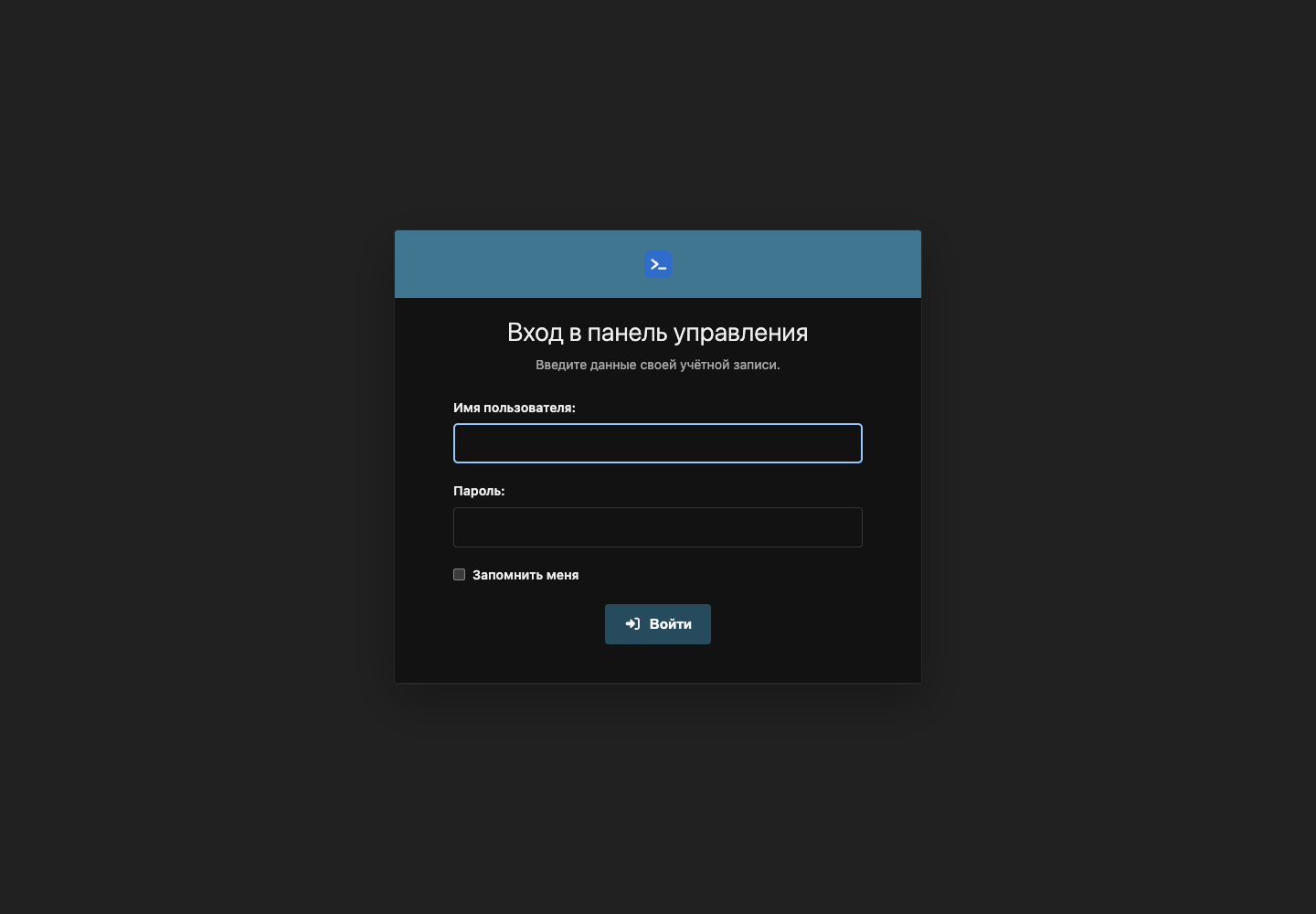
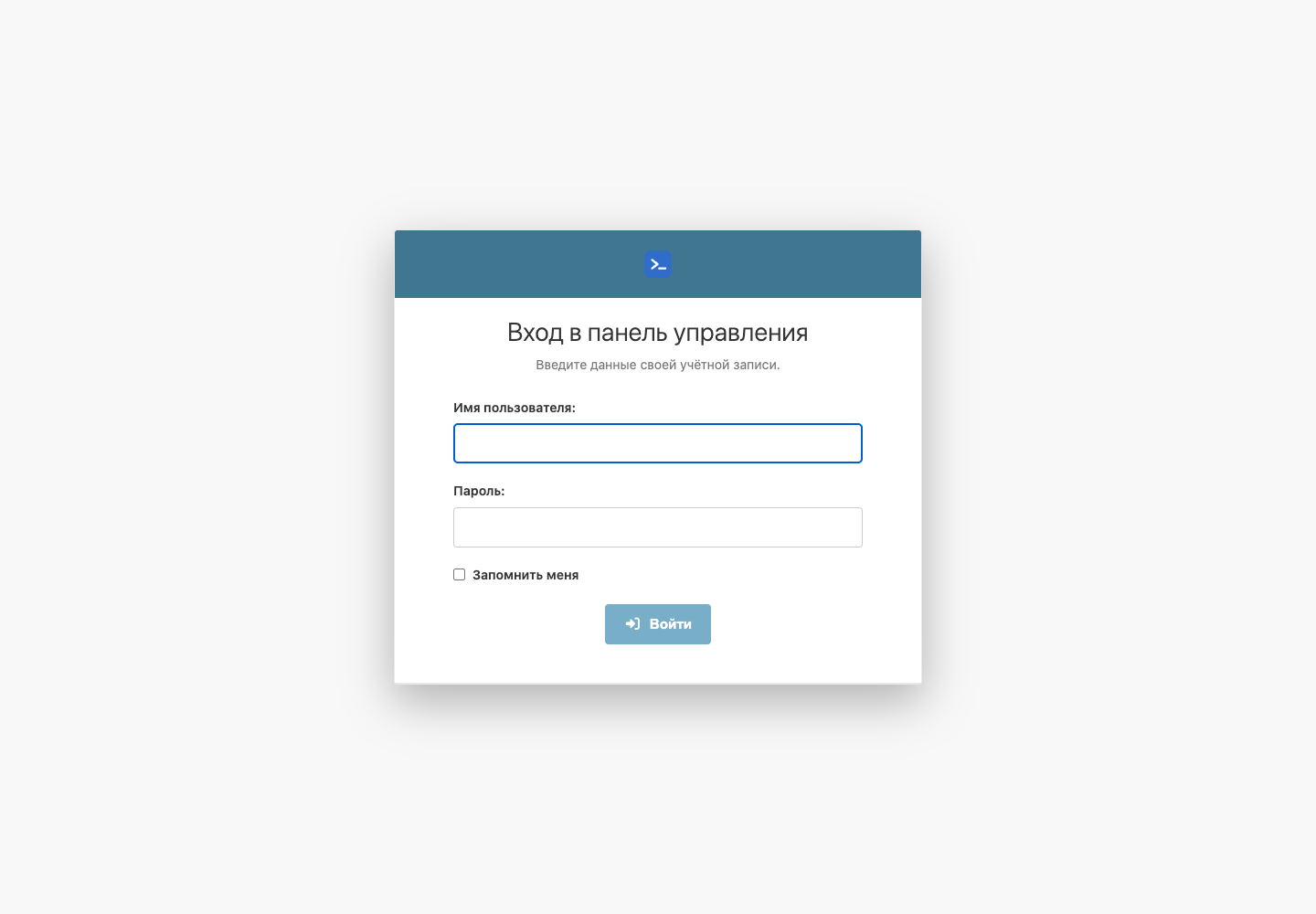
Drag the divider or use the arrow keys to compare themes.
Django Chassis 1.0.23 · training site with Russian UI
- The standard username and password form uses the Chassis login template.
- Remember me controls how the login session is retained.
How to add it
Install Chassis 1.0.23 and put 'django_chassis' before 'django.contrib.admin' in INSTALLED_APPS. With the standard Django auth and session middleware, add the following to src/apps/admins/site.py and mount the instance in your root URLconf (demo_urls.py in the demo). The enabled users module supplies the login form and its Remember me control.
# src/apps/admins/site.py
from django.contrib.admin import AdminSite
from django_chassis.mixins import ChassisAdminSiteMixin


class PlatformAdminSite(ChassisAdminSiteMixin, AdminSite):
    include_users_module = True


admin_site = PlatformAdminSite(name='admin')
# demo_urls.py
from django.urls import path

from apps.admins.site import admin_site

urlpatterns = [path('admin/', admin_site.urls)]
Run migrations and open /admin/login/. On the local demo, sign in as demo-admin with the password generated in .demo/credentials.txt by ./bootstrap.sh.