Review the current administrator profile
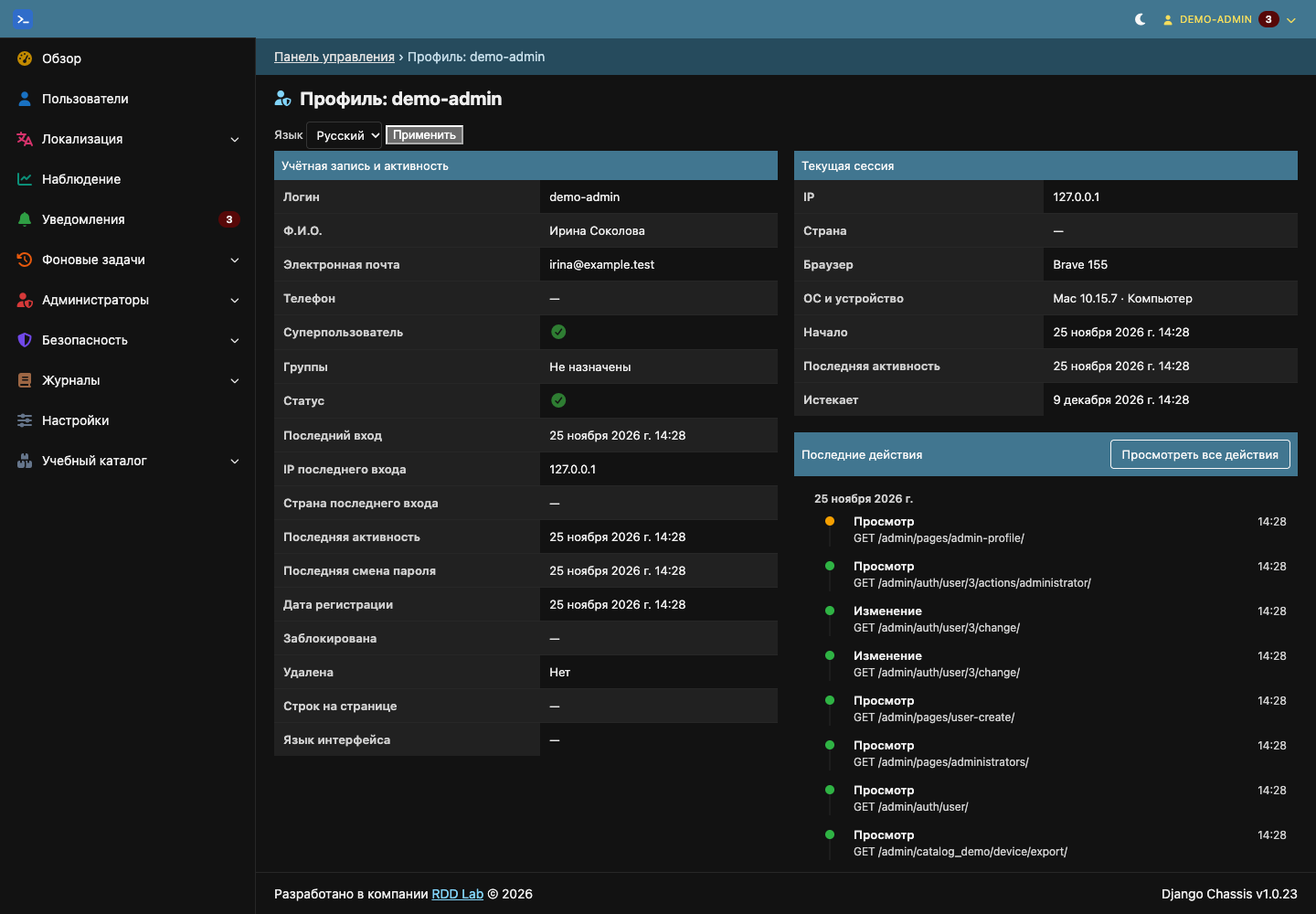
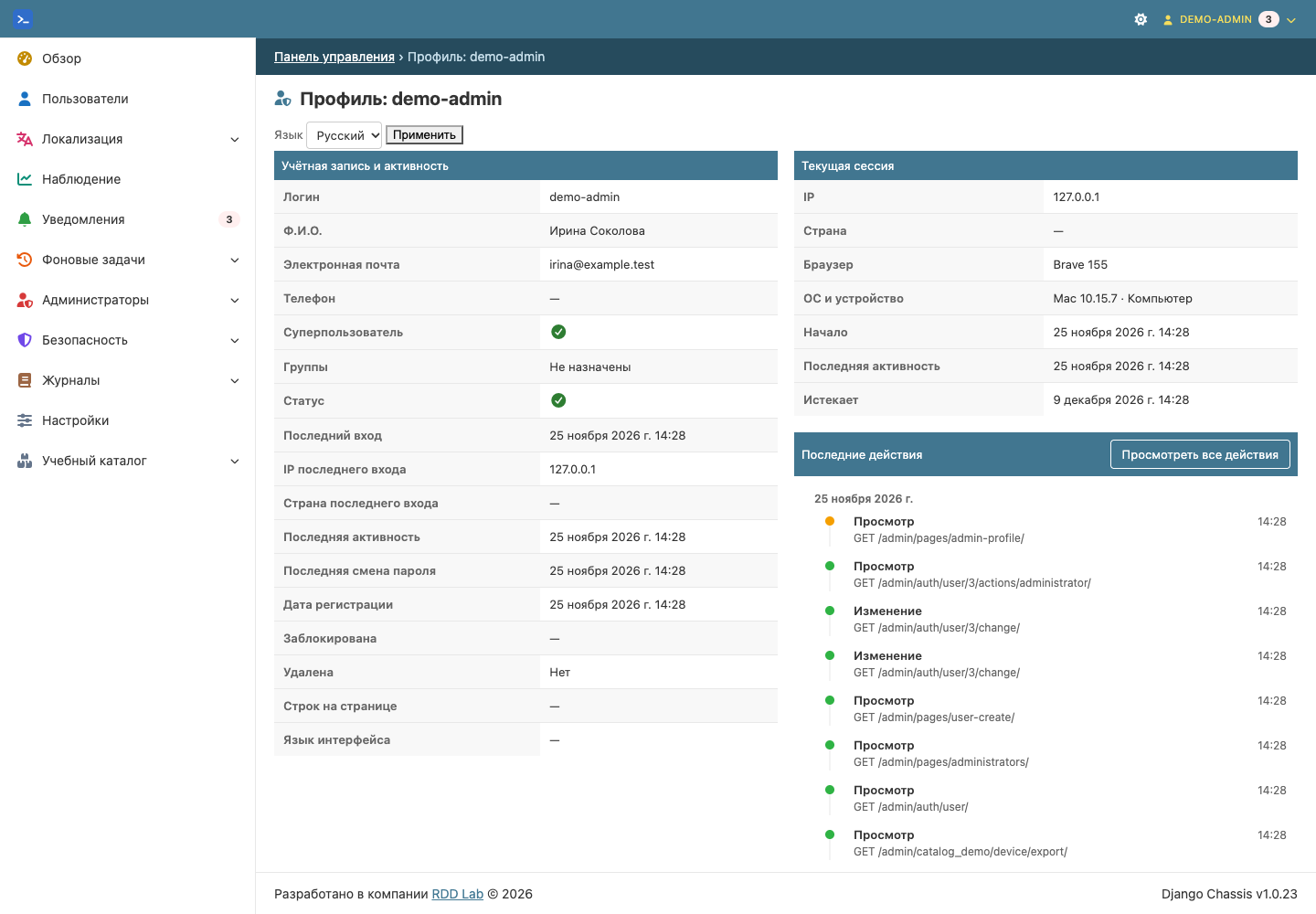
Drag the divider or use the arrow keys to compare themes.
Django Chassis 1.0.23 · training site with Russian UI
- Account information and recorded activity appear together.
- The session panel describes the current browser session.
- Recent actions link to the full history available to the operator.
How to add it
The users module adds Profile to the account menu for the active staff user. Add the session and audit middleware shown below to populate the current session and recent actions. To link to the same personal page from the demo dashboard, add this block to src/apps/admins/templates/admins/dashboard/index.html.
src/apps/admins/templates/admins/dashboard/index.html
{% block content %}
    <p><a href="{% url 'admin:chassis_page_admin-profile' %}">Profile</a></p>
    {{ block.super }}
{% endblock %}
The full history link requires django_chassis.view_adminauditlog.