Create a user
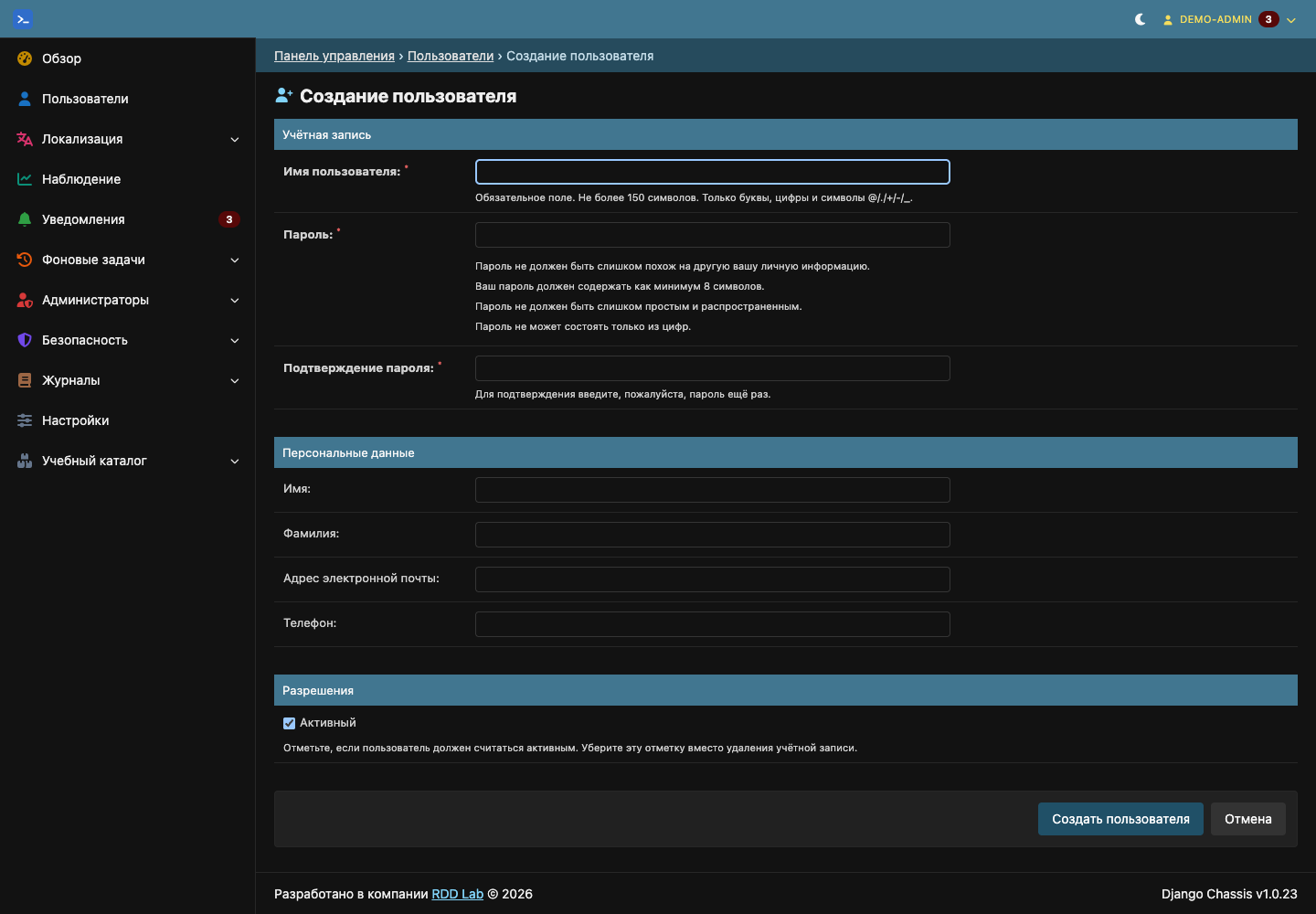
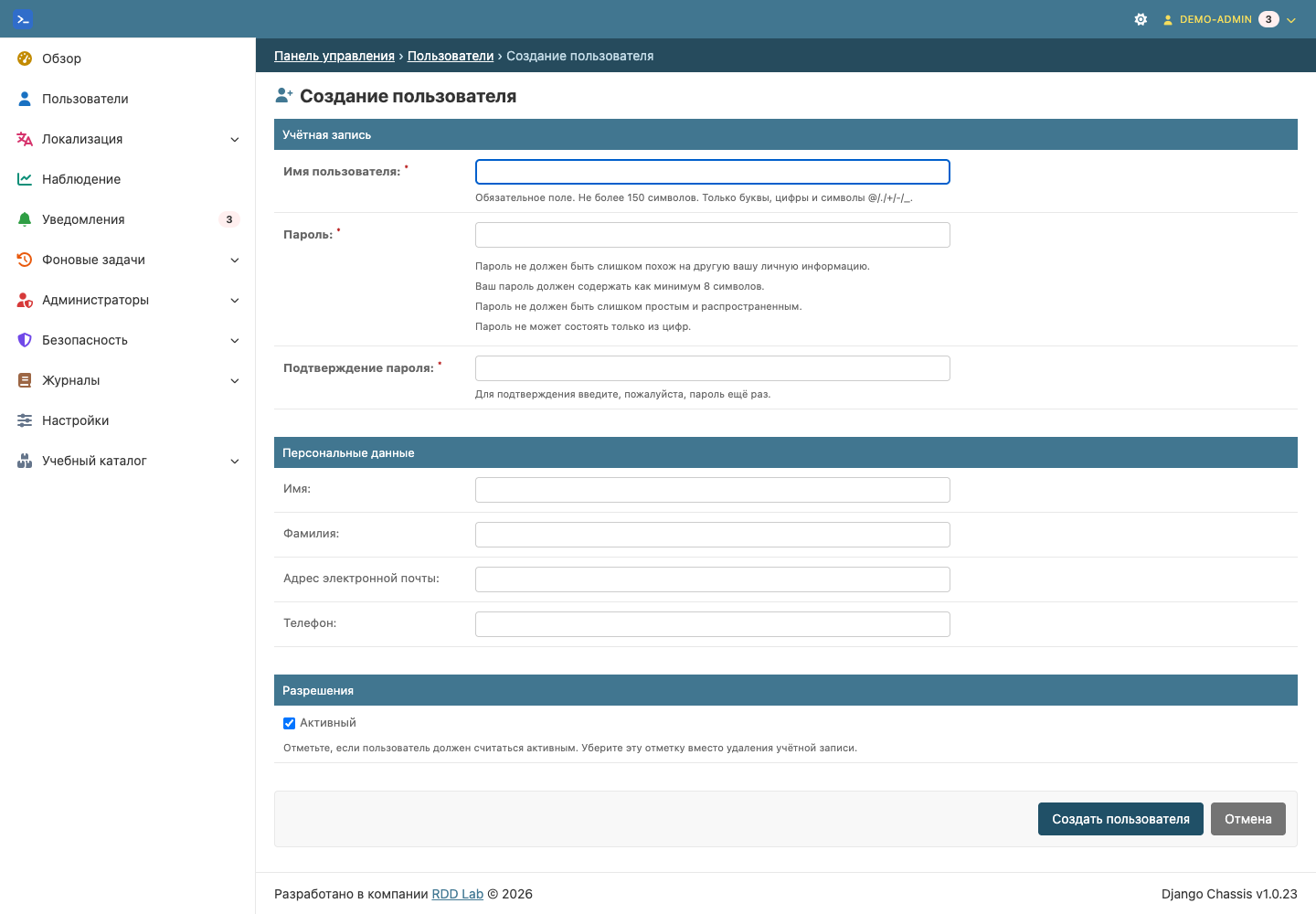
Drag the divider or use the arrow keys to compare themes.
Django Chassis 1.0.23 · training site with Russian UI
- The account section accepts the login fields required by the configured user model.
- Personal data can include a phone number.
- The permissions section shows the available access controls for the operator.
How to add it
The users module registers Create user at /admin/pages/user-create/. After migrations, run the following in uv run python src/manage.py shell to set up a group in the database for this workflow. Add an active staff account to Account creators, sign in with that account and choose Users → Create user. The new account starts with ordinary access.
from django.contrib.auth import get_user_model
from django.contrib.auth.models import Group, Permission

opts = get_user_model()._meta
required = [
    (opts.app_label, opts.model_name, f'view_{opts.model_name}'),
    (opts.app_label, opts.model_name, f'add_{opts.model_name}'),
    (opts.app_label, opts.model_name, f'change_{opts.model_name}'),
    ('django_chassis', 'user_access', 'manage_user_access'),
    ('django_chassis', 'user_creation', 'view_user_creation')
]
permissions = [
    Permission.objects.get(content_type__app_label=app, content_type__model=model, codename=code)
    for app, model, code in required
]
group, _ = Group.objects.get_or_create(name='Account creators')
group.permissions.add(*permissions)