Browse ordinary users
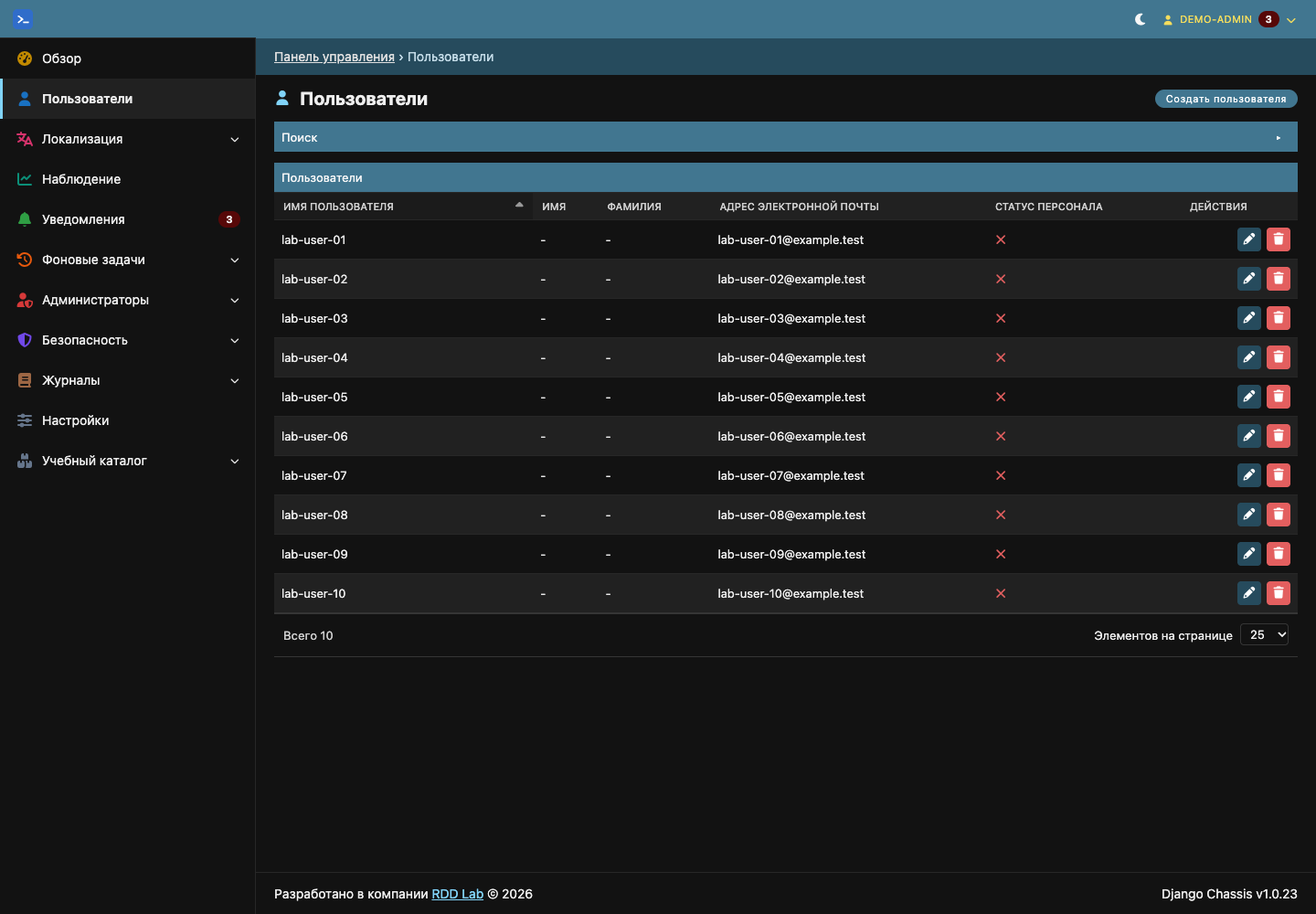
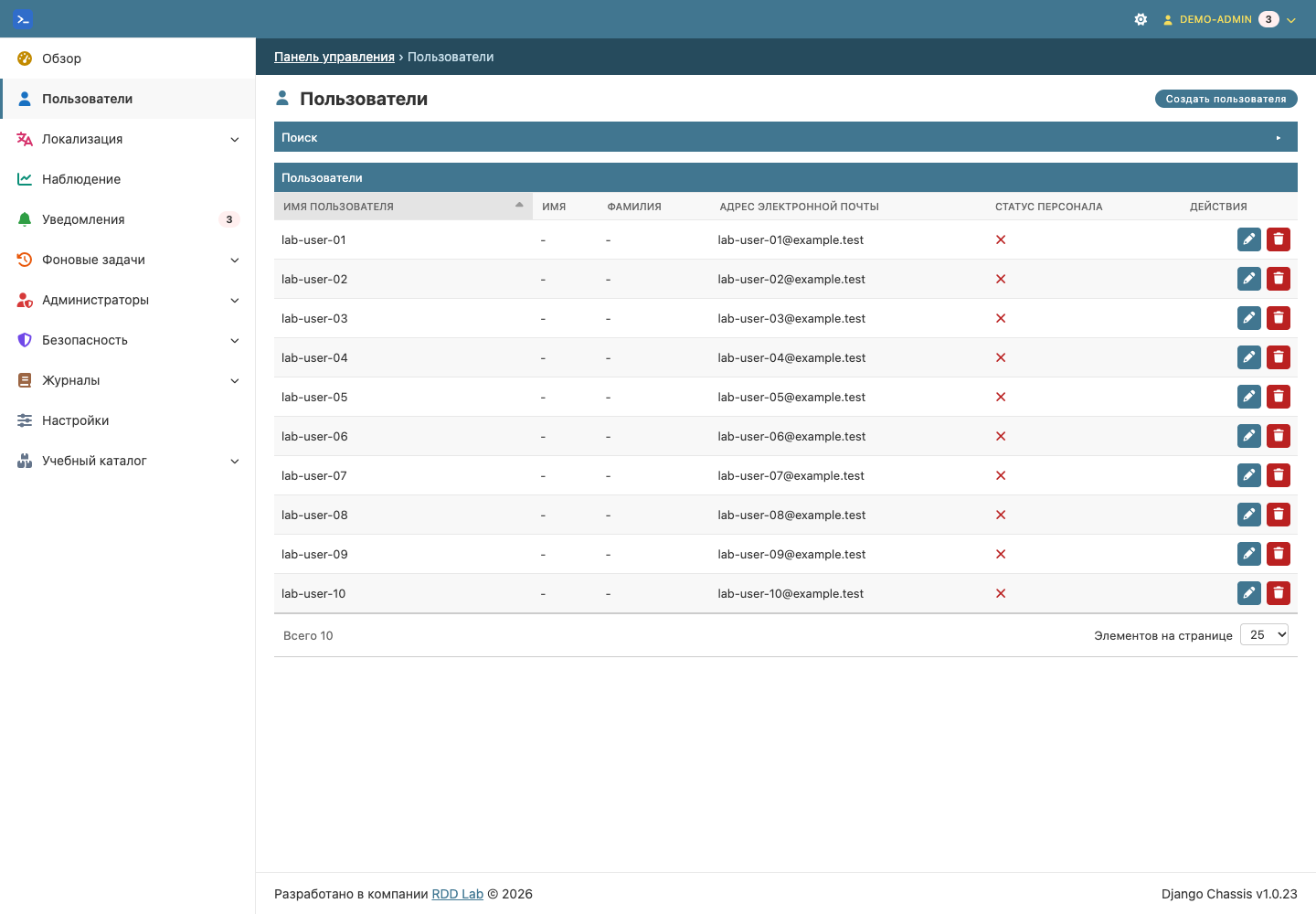
Drag the divider or use the arrow keys to compare themes.
Django Chassis 1.0.23 · training site with Russian UI
- Users has its own entry separate from the administrator list.
- The list includes the account fields and available actions.
How to add it
In src/server/settings/apps.py, keep django_chassis before django.contrib.admin in INSTALLED_APPS. In src/apps/admins/site.py, use a Chassis site with the users module and its sidebar enabled. Add the /admin/ route to urlpatterns in src/server/urls.py.
src/apps/admins/site.py
from django.contrib.admin import AdminSite

from django_chassis.mixins import ChassisAdminSiteMixin


class PlatformAdminSite(ChassisAdminSiteMixin, AdminSite):
    include_users_module = True
    include_users_sidebar = True


admin_site = PlatformAdminSite(name='admin')
src/server/urls.py
from django.urls import path

from apps.admins.site import admin_site

urlpatterns = [path('admin/', admin_site.urls)]
Run uv run python src/manage.py migrate and open Users as active staff with auth.view_user or auth.change_user. For Django’s standard user model the list is at /admin/auth/user/. If you set CHASSIS_USERS_MODULE_ENABLED explicitly, use True.