Review account actions
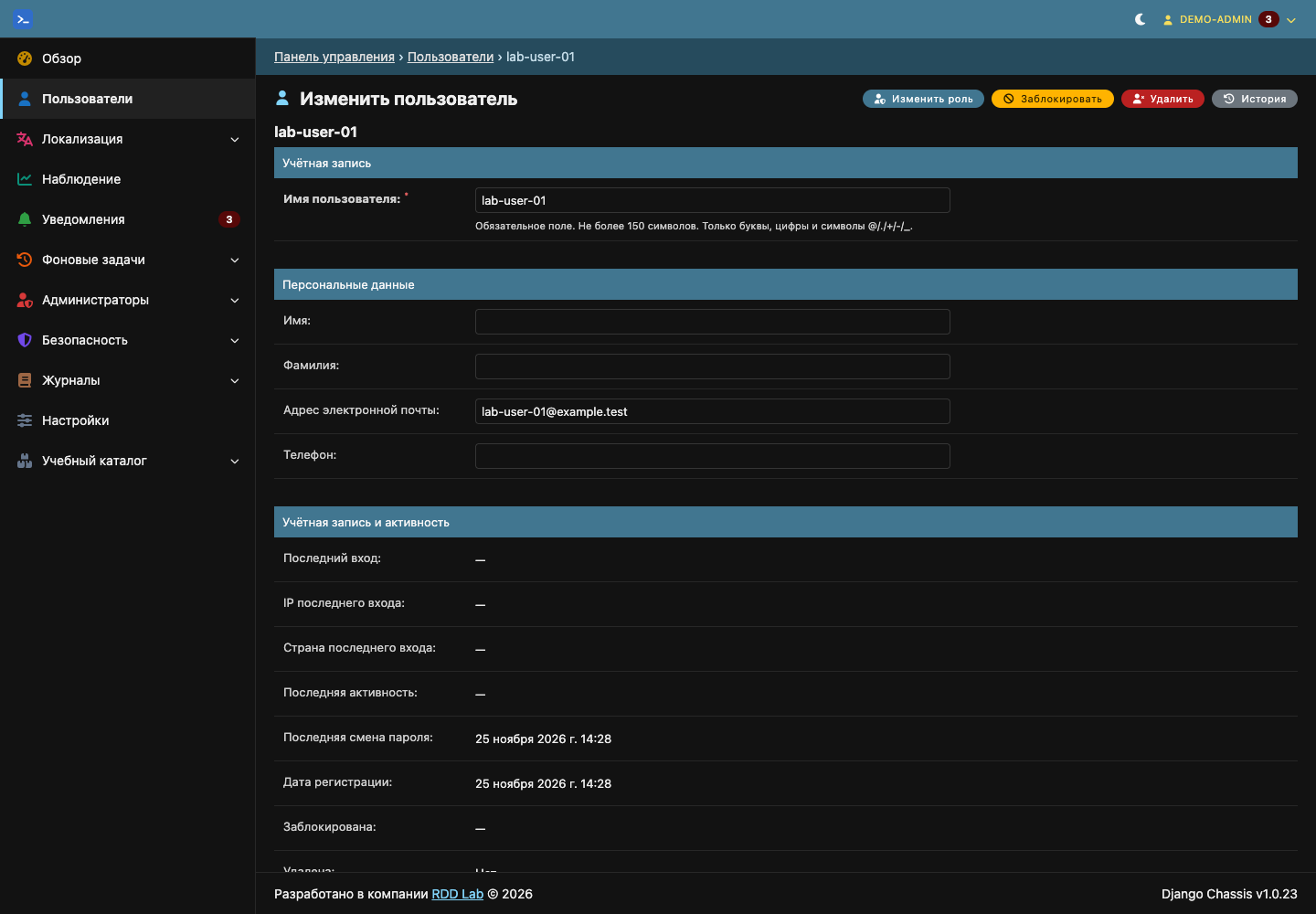
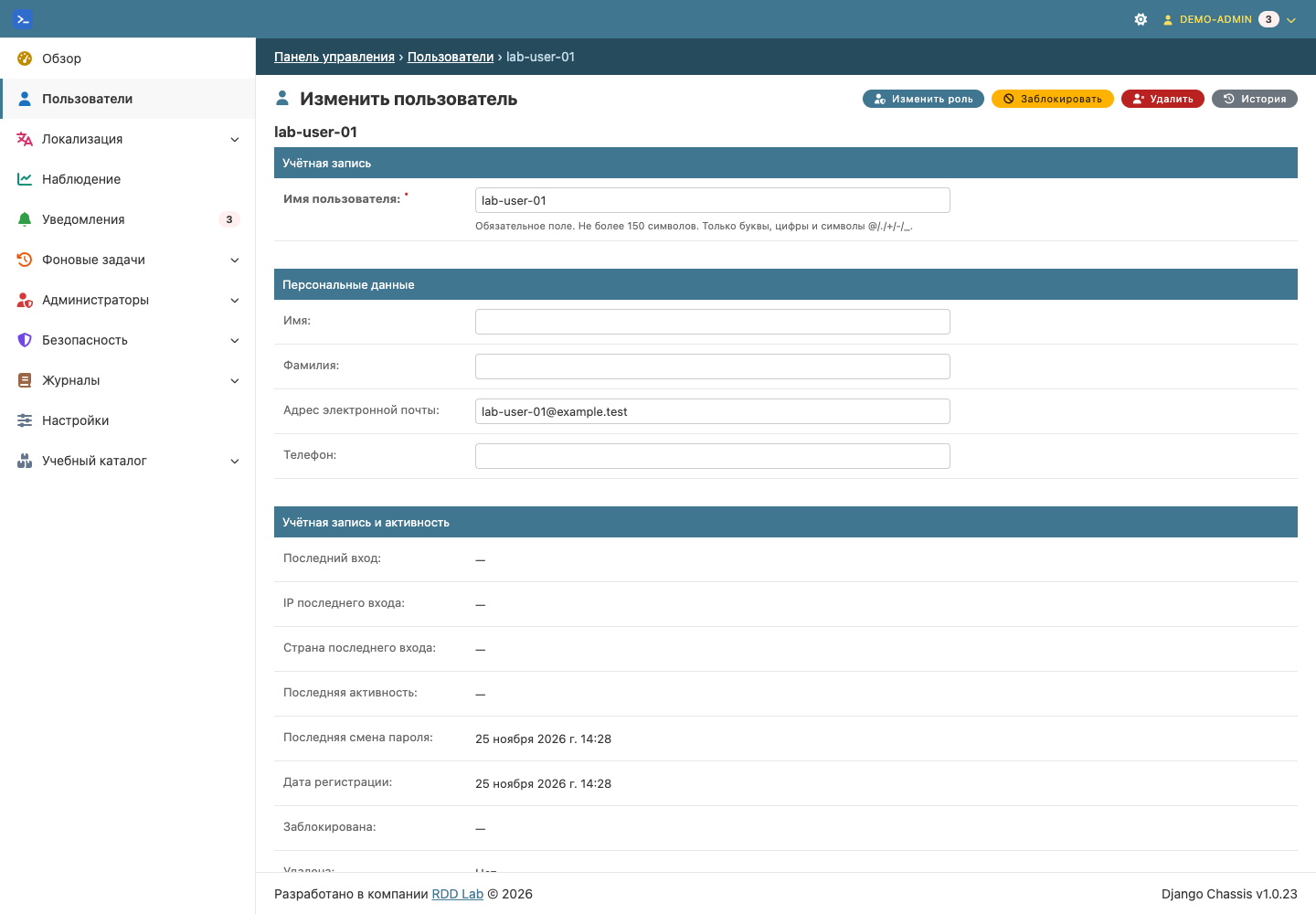
Drag the divider or use the arrow keys to compare themes.
Django Chassis 1.0.23 · training site with Russian UI
- Role changes use a dedicated action.
- Blocking records the account transition and disables sign-in.
- Delete opens the soft-delete confirmation.
How to add it
Keep the Chassis UserAdmin that PlatformAdminSite registers in src/apps/admins/site.py. As an active staff superuser, open another account’s card to display Change role, Block and Delete. After confirming an action on a test account, run the following in uv run python src/manage.py shell to inspect its recorded transitions. The Admin journal for these entries requires django_chassis.view_accountaction.
from django.contrib.auth import get_user_model

from django_chassis.models import AccountAction

user_model = get_user_model()
account = user_model._default_manager.get_by_natural_key('lab-user-01')
list(AccountAction.objects.filter(target=account).values('occurred_at', 'actor_id', 'action'))
Use a login from your test database if you have not loaded the demo accounts.