Configure an export
For the XLSX example, clear the Category field. The demo uses UUID category identifiers, which the 1.0.23 XLSX writer cannot serialize directly. CSV or JSON can include them.
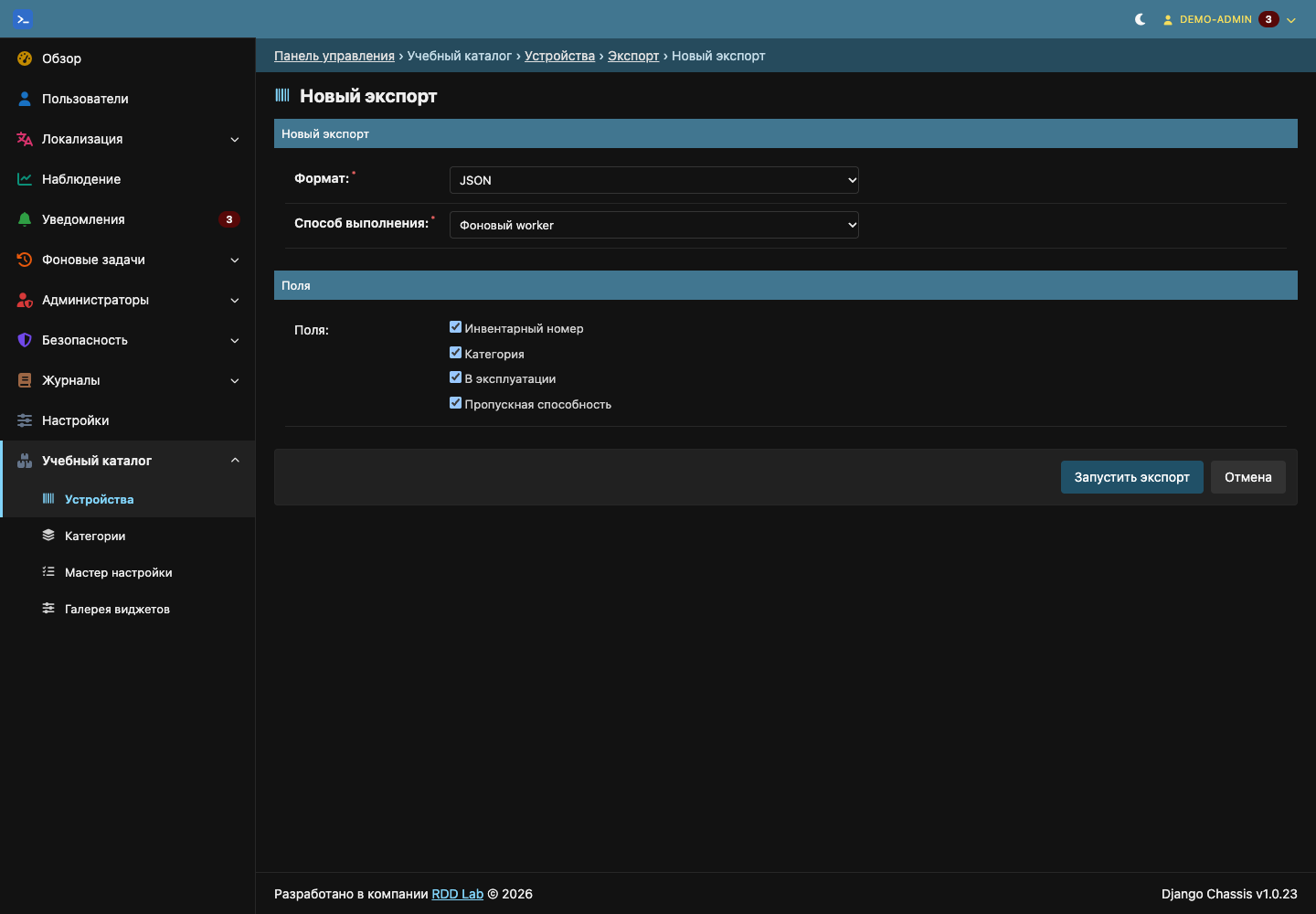
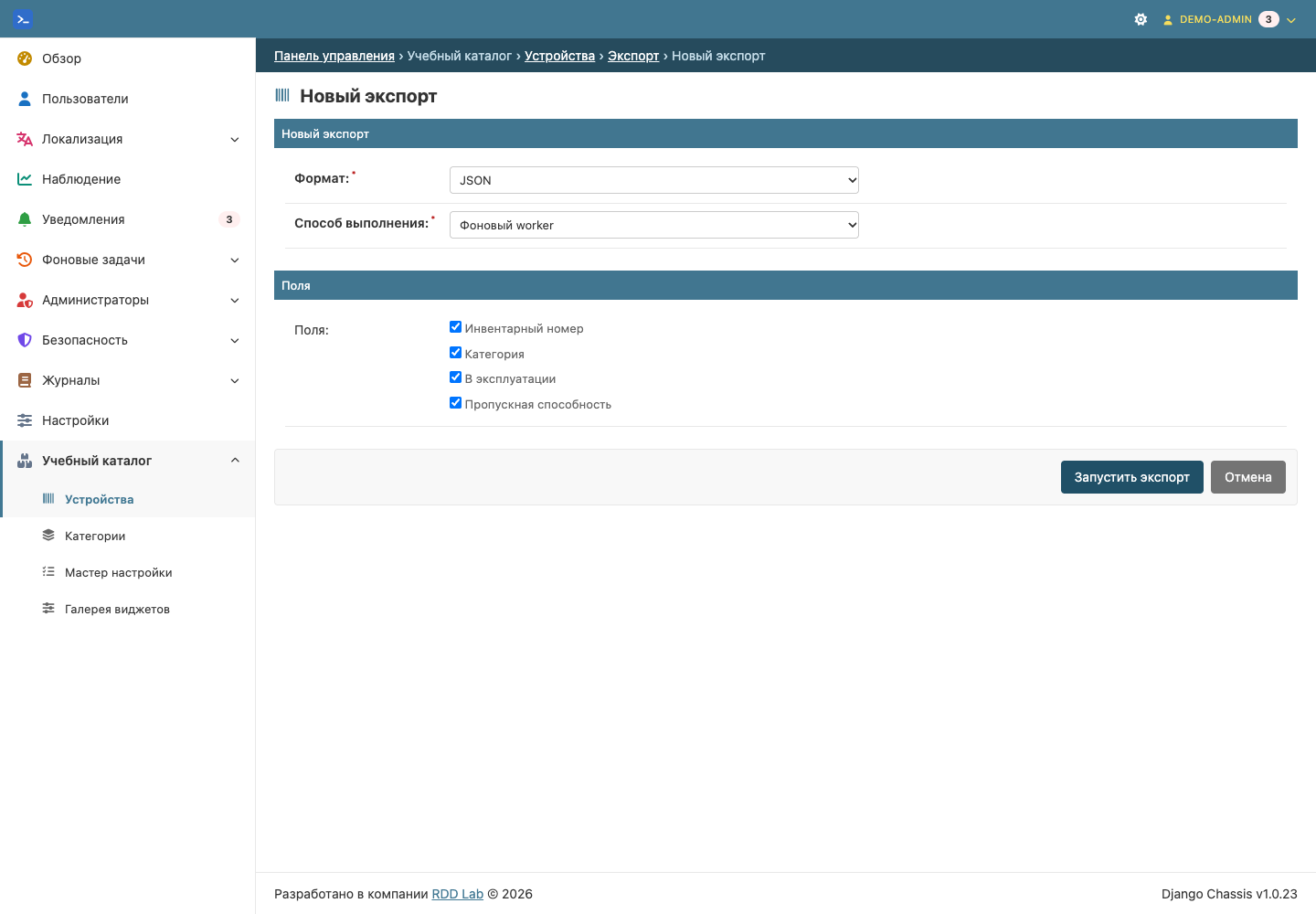
Drag the divider or use the arrow keys to compare themes.
Django Chassis 1.0.23 · training site with Russian UI
- Choose a format permitted by ExportOption. Excel produces XLSX.
- Synchronous execution returns the result in the same request.
- Choose the columns to write to the file.
- Submitting starts an operation under the create grant.
How to add it
Add this ExportOption to DeviceAdmin.options in catalog_demo/admins/device_admin.py. Declare the three codenames in Device.Meta.permissions, apply migrations and set up private STORAGES['media']. Give the exporting staff group the model view, export view and create grants. Start with a populated device changelist.
from django_chassis.enums import ExportFormat
from django_chassis.options import ExportOption

# DeviceAdmin.options entry
ExportOption(
    view_permission='view_device_export', create_permission='create_device_export',
    download_permission='download_device_export',
    fields=['code', 'category', 'active', 'capacity'],
    formats=[ExportFormat.JSON, ExportFormat.XML, ExportFormat.CSV, ExportFormat.XLSX]
)
Open /admin/catalog_demo/device/export/new/, choose Excel and synchronous execution, then select code, active and capacity.