Return to section import history
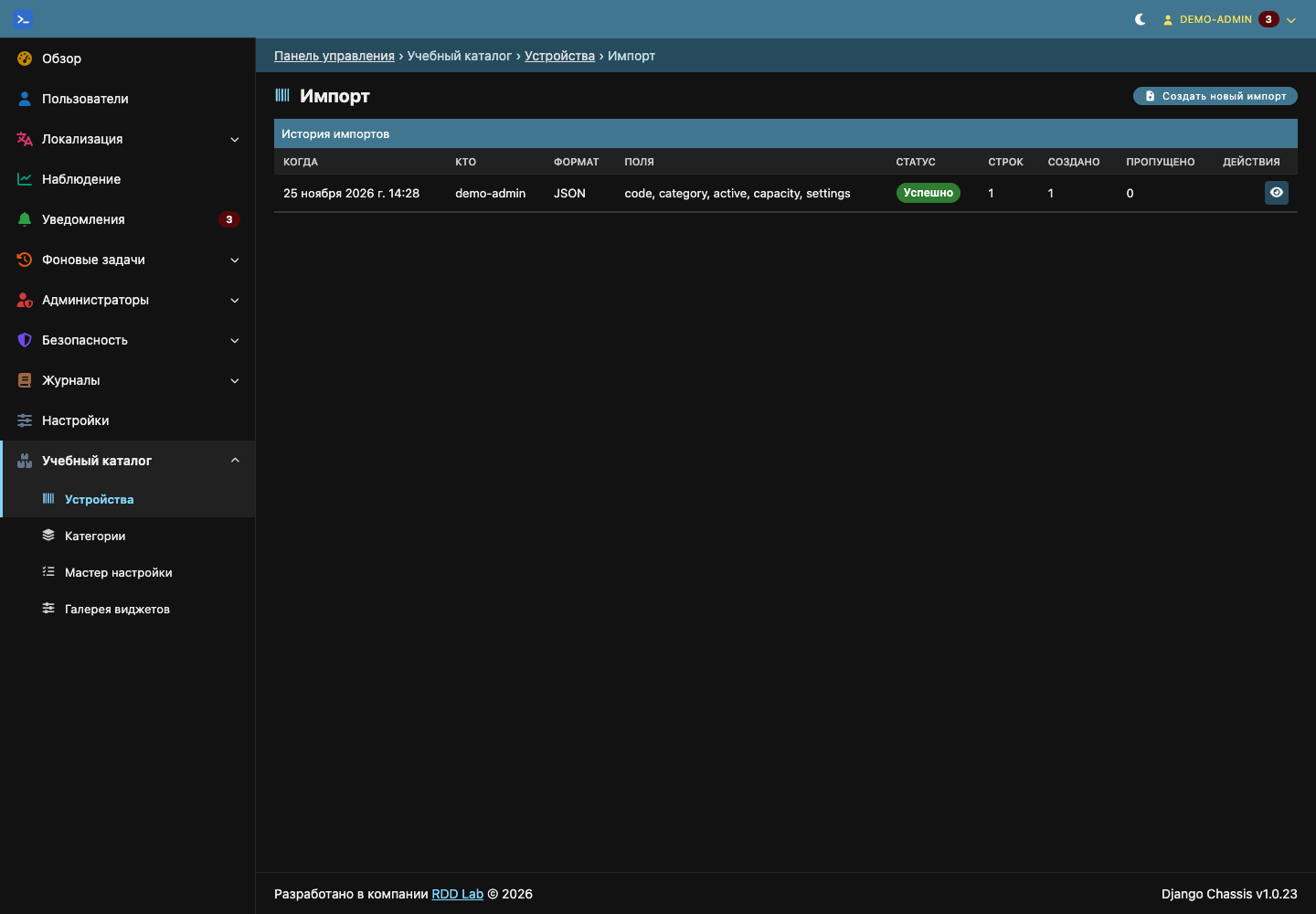
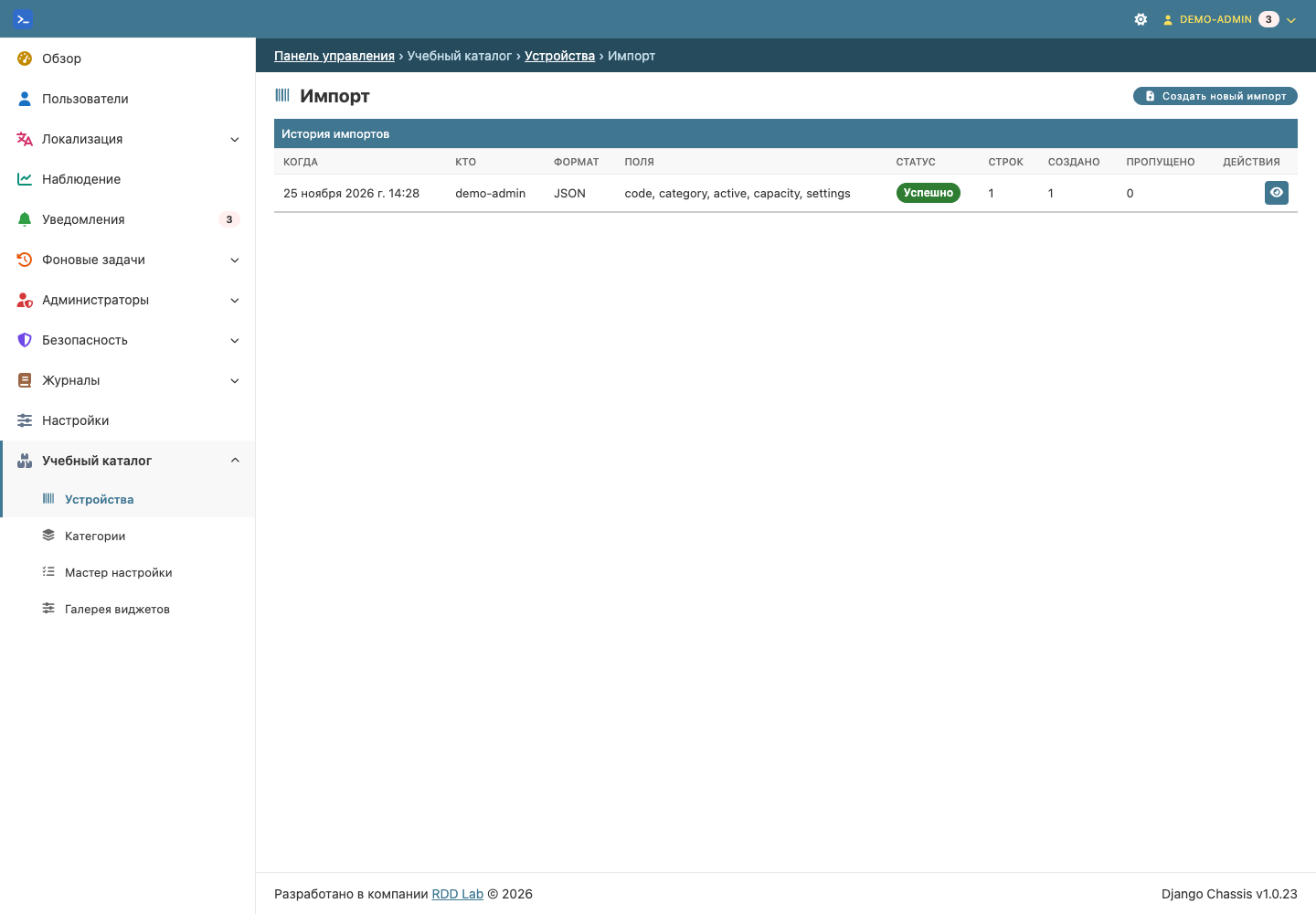
Drag the divider or use the arrow keys to compare themes.
Django Chassis 1.0.23 · training site with Russian UI
- The New import button requires the upload grant.
- The section history lists submitted operations and links to their status pages.
How to add it
ImportOption registers the history page on the existing DeviceAdmin. For a staff group, grant catalog_demo.view_device and catalog_demo.view_device_import. Add catalog_demo.upload_device_import to groups that also need New import and Check file. After submitting a fixture, resolve the history link in a Django shell.
from django.urls import reverse

print(reverse('admin:catalog_demo_device_import'))
# /admin/catalog_demo/device/import/
The bootstrapped demo-viewer has catalog_demo.view_device and catalog_demo.view_device_import, so history is visible with the upload action hidden.