Open the device change form
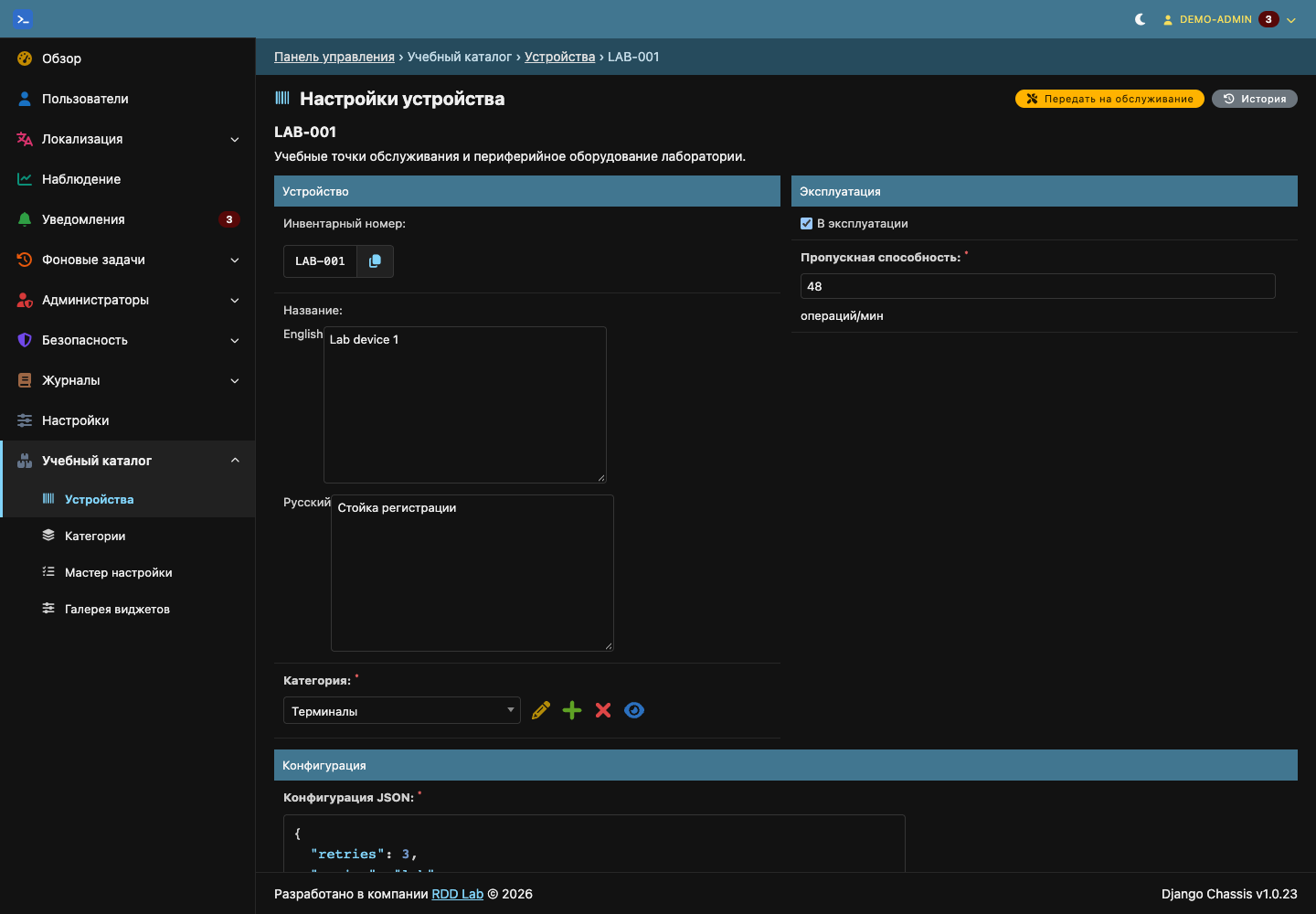
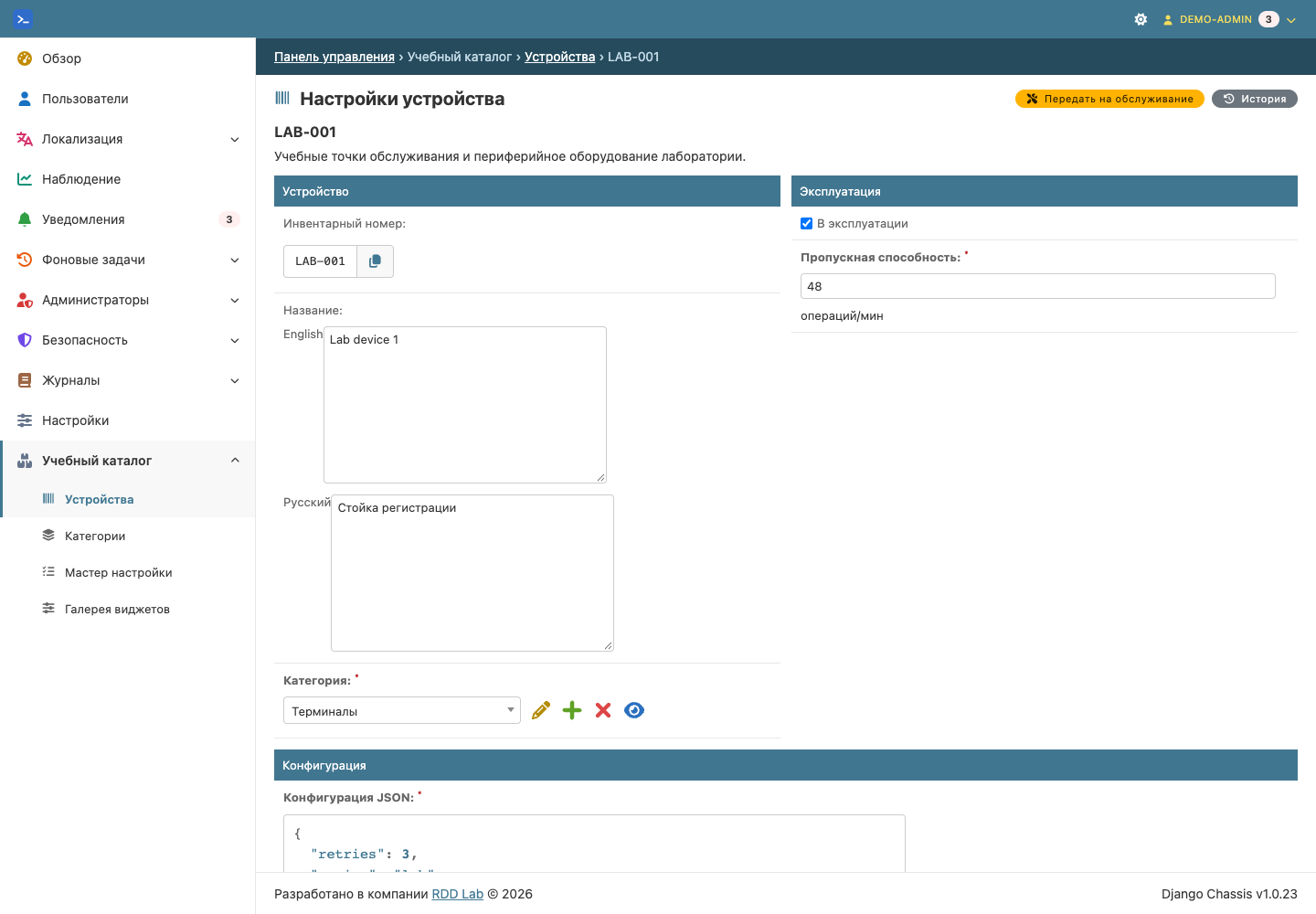
Drag the divider or use the arrow keys to compare themes.
Django Chassis 1.0.23 · training site with Russian UI
- FormLayoutOption gives the name and placement of the field groups.
- TranslateField displays a text input for each active language.
- UnitInput adds a unit beside the numeric input.
- The configuration editor has its own full-width block.
- The object action appears on the change page for users with permission.
How to add it
In catalog_demo/admins/device_admin.py, add these options to DeviceAdmin.options. A form row has 12 columns. Two blocks with span=6 sit side by side, and the full-width block uses span=12.
from django_chassis.options import FormBlockOption, FormLayoutOption, PageHeaderOption

# DeviceAdmin.options
options = [
    PageHeaderOption(change_title='Настройки устройства'),
    FormLayoutOption(blocks=[
        FormBlockOption(title='Устройство', fields=['code', 'name', 'category'], span=6),
        FormBlockOption(title='Эксплуатация', fields=['active', 'capacity'], span=6),
        FormBlockOption(title='Конфигурация', fields=['settings'], span=12),
    ]),
]
The screenshot also uses a translated name field and custom widgets. See the widget recipe and localized model fields.