Quick view from a row
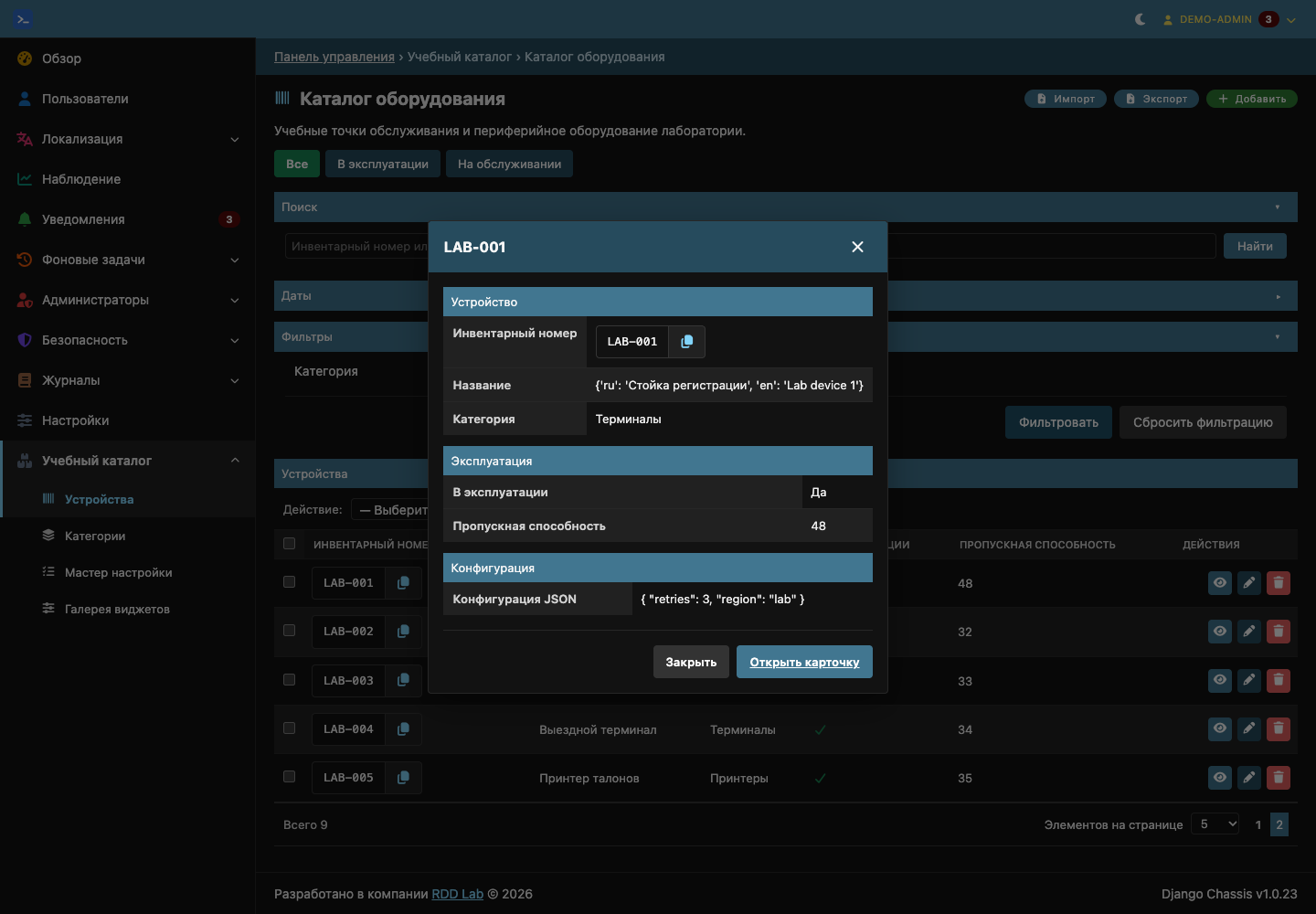
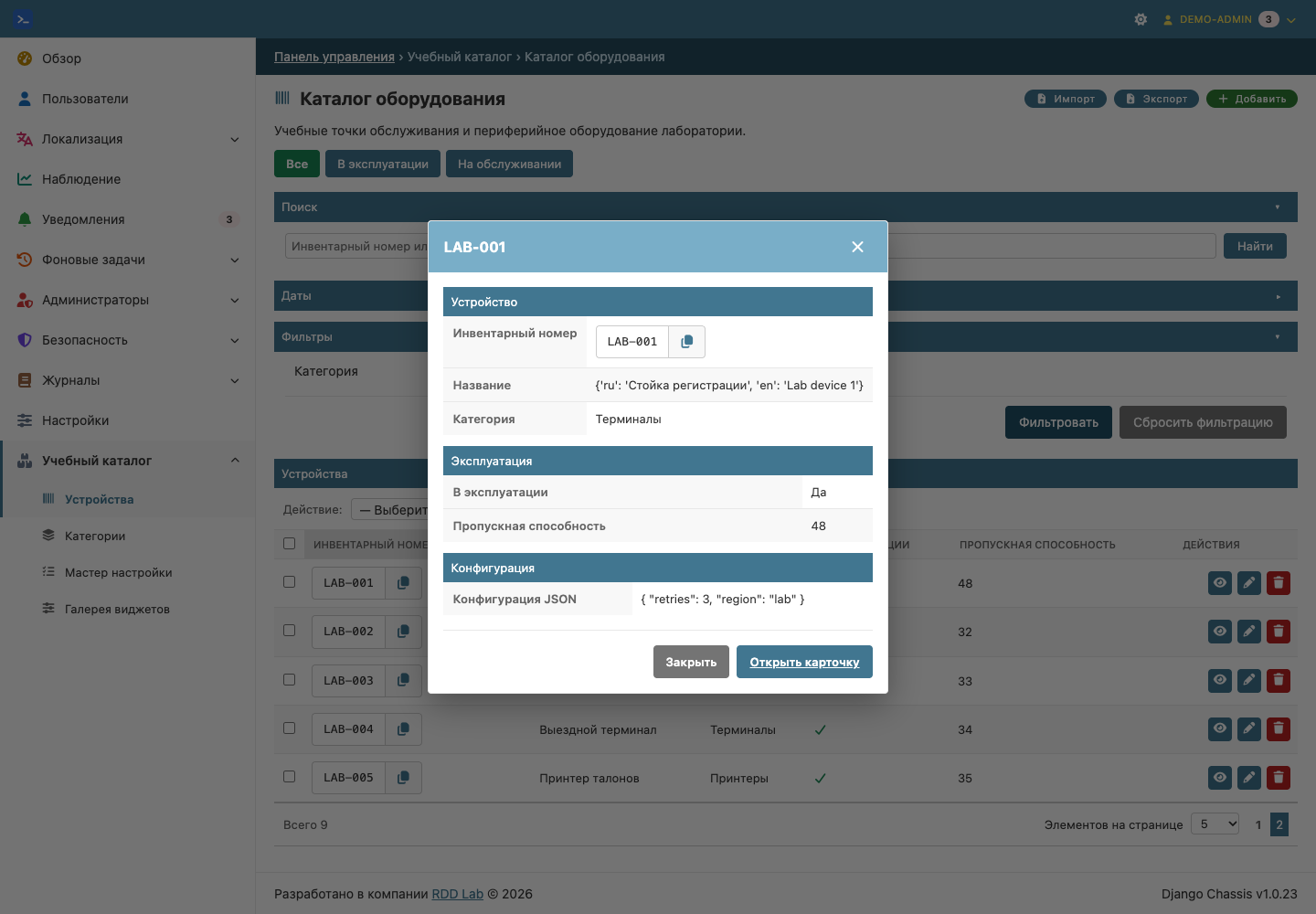
Drag the divider or use the arrow keys to compare themes.
Django Chassis 1.0.23 · training site with Russian UI
- The quick view dialog identifies the selected record.
- The modal shows fields allowed for inspection without opening the change form.
How to add it
Quick view opens a read-only dialog from the Actions column. In catalog_demo/admins/device_admin.py, add RowActionsOption to the existing DeviceAdmin.options list. If the list already contains this option, set quick_view=True on that instance.
Configure the device list first if you are starting with a new model admin.
from django.contrib.admin import ModelAdmin
from django_chassis.mixins import ChassisAdminMixin
from django_chassis.options import RowActionsOption

class DeviceAdmin(ChassisAdminMixin, ModelAdmin):
    options = [RowActionsOption(quick_view=True)]
Open the device list as a user with view access and click the eye icon. The dialog opens over the list and contains no save action.