Open change history
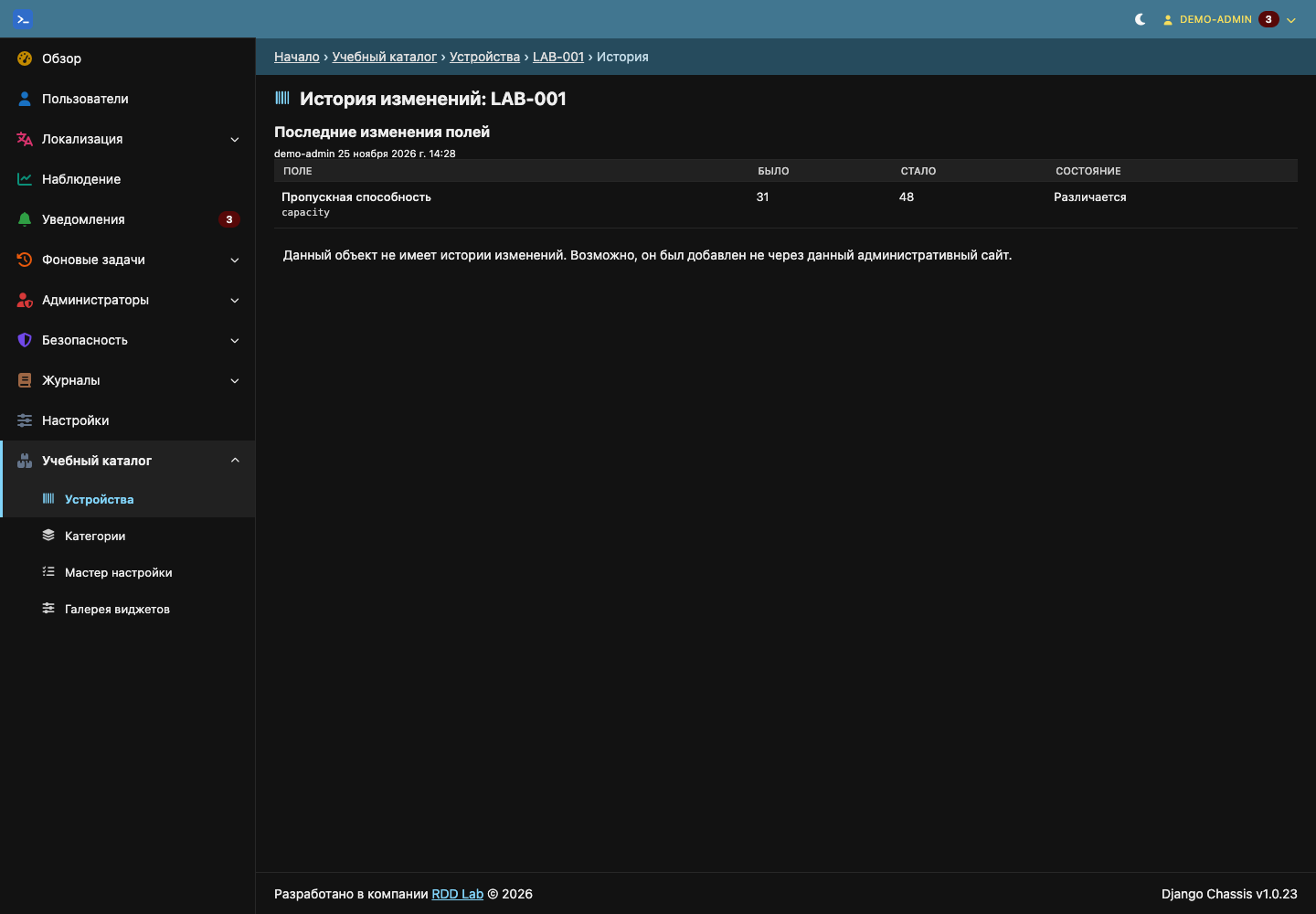
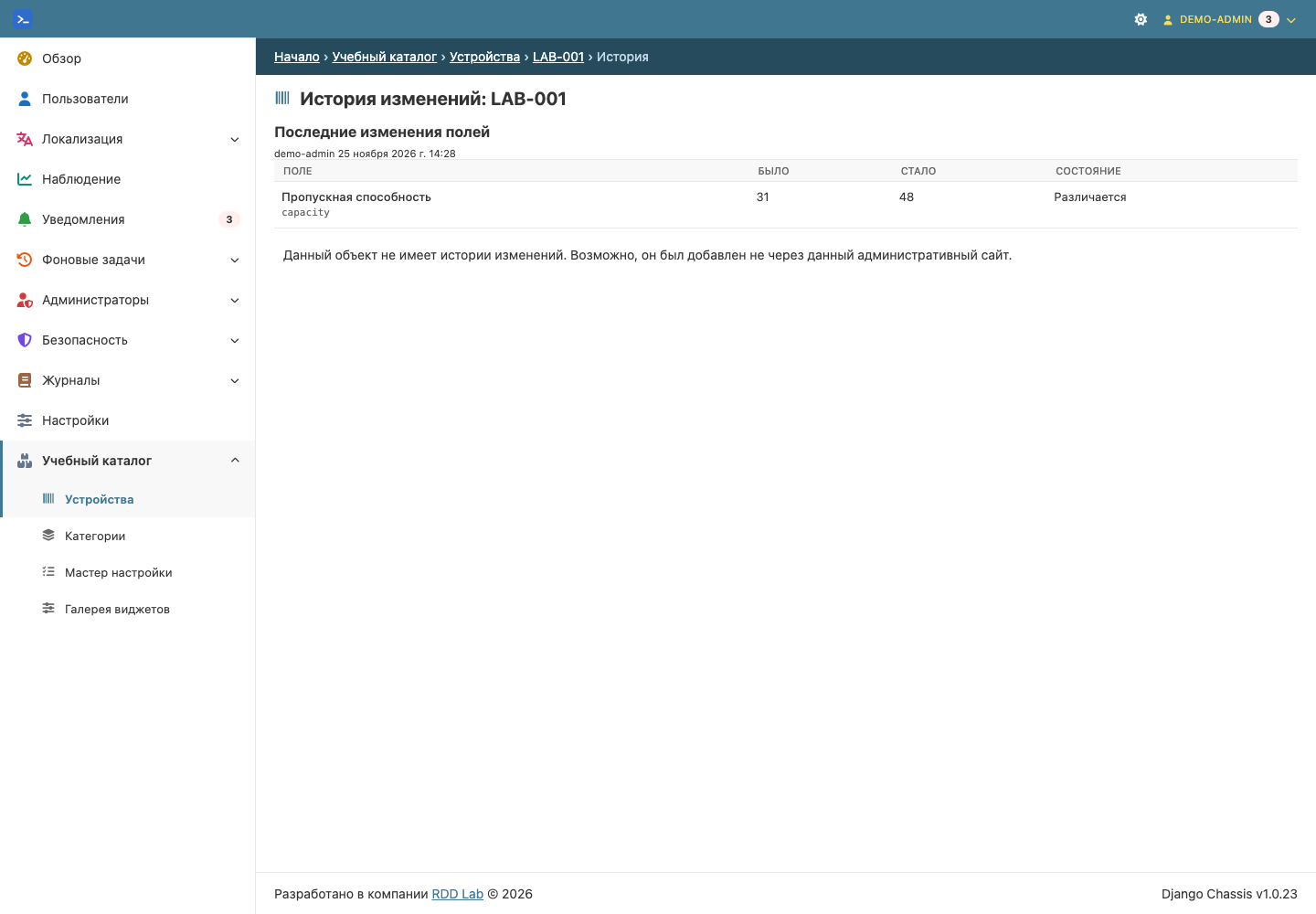
Drag the divider or use the arrow keys to compare themes.
Django Chassis 1.0.23 · training site with Russian UI
- Simple History supplies field comparisons for the configured allowlist.
- The Django Admin history continues below the comparison.
How to add it
In catalog_demo/models/device.py, add a HistoricalRecords descriptor inside Device. Add simple_history to the project apps and create and apply the migration. In catalog_demo/admins/device_admin.py, add FieldHistoryOption to the existing DeviceAdmin.options list.
from simple_history.models import HistoricalRecords
from django_chassis.options import FieldHistoryOption

# Inside Device in catalog_demo/models/device.py
history = HistoricalRecords(excluded_fields=['settings'])

# Inside DeviceAdmin in catalog_demo/admins/device_admin.py
options = [FieldHistoryOption(fields=['active', 'capacity'])]
Save the device once after changing capacity. Open History to compare the two latest snapshots. Only the configured fields are compared.