Find and inspect a device
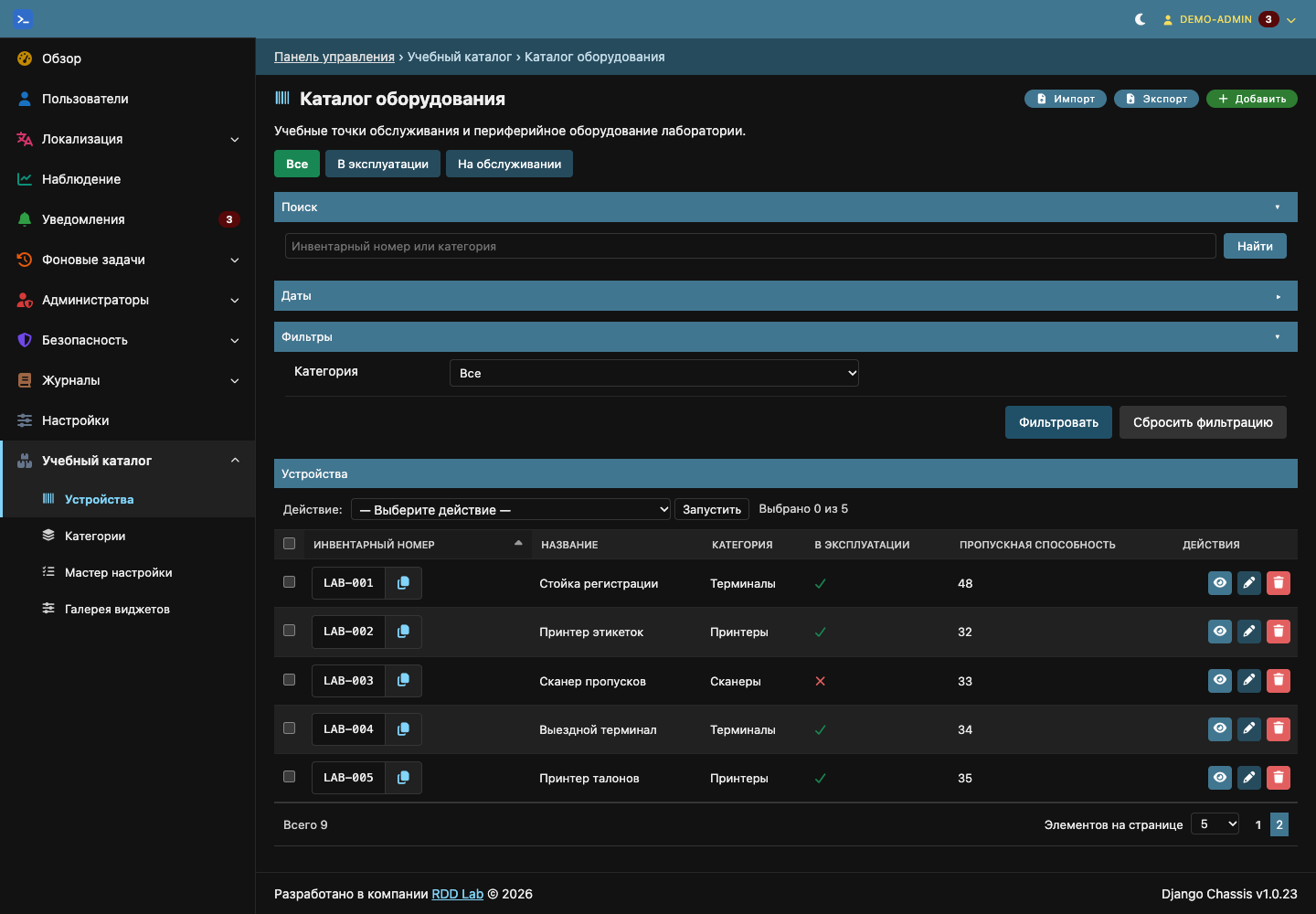
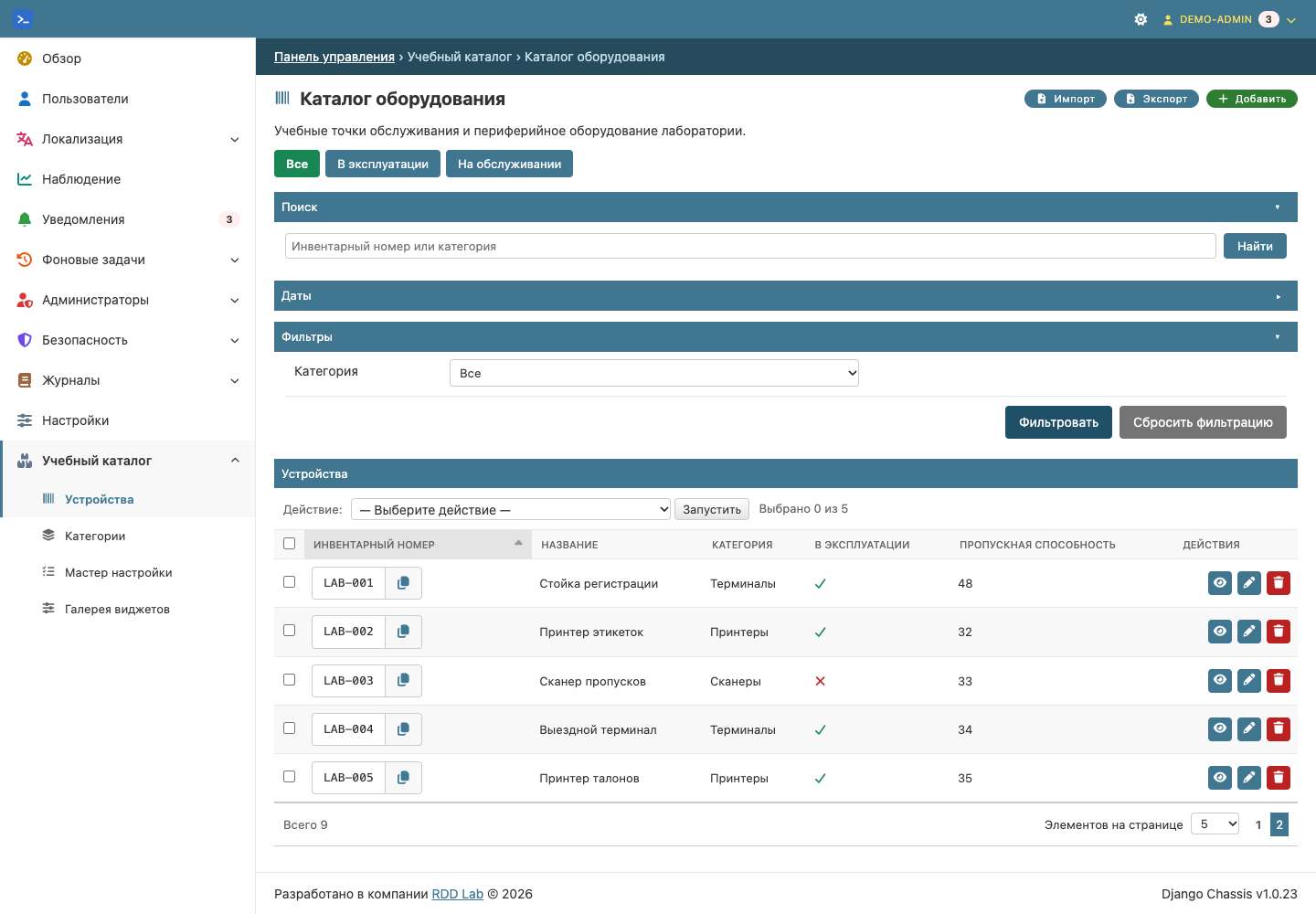
Drag the divider or use the arrow keys to compare themes.
Django Chassis 1.0.23 · training site with Russian UI
- Standalone tabs filter by operating status.
- Search matches the equipment code and category name.
- The category filter can be combined with a status tab.
- The results table includes sortable headings and an actions column.
- Below the table, the count and pagination help move through results.
- The eye icon opens quick view.
How to add it
In catalog_demo/admins/device_admin.py, declare the columns and Chassis options on DeviceAdmin. The model needs code, the category relation, the active flag and created_at. Register Device with this class on the project AdminSite in catalog_demo/apps.py.
from django.contrib.admin import ModelAdmin
from django_chassis.mixins import ChassisAdminMixin
from django_chassis.options import DateHierarchyOption, FieldTabsOption, FiltersOption, SearchOption

class DeviceAdmin(ChassisAdminMixin, ModelAdmin):
    list_display = ['code', 'category', 'active']
    list_per_page = 5
    options = [
        FieldTabsOption(
            field='active', choices=[(True, 'В эксплуатации'), (False, 'На обслуживании')],
            standalone=True,
        ),
        SearchOption(fields=['code', 'category__name'], placeholder='Номер или категория'),
        FiltersOption(fields=['category']),
        DateHierarchyOption(field='created_at'),
    ]
Open the device list and select an operating status together with a category. The result count reflects both conditions.