Edit a configuration value in place
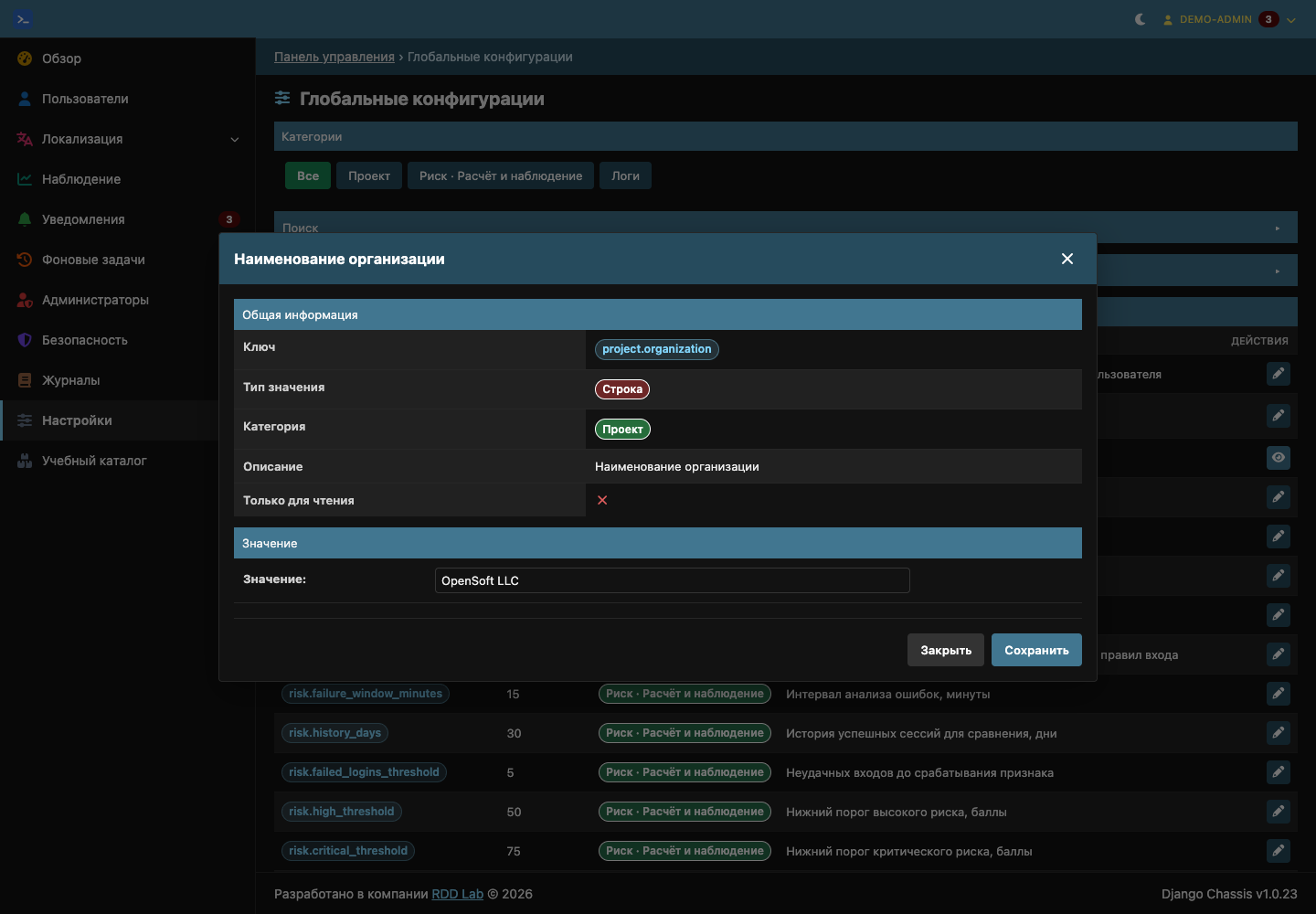
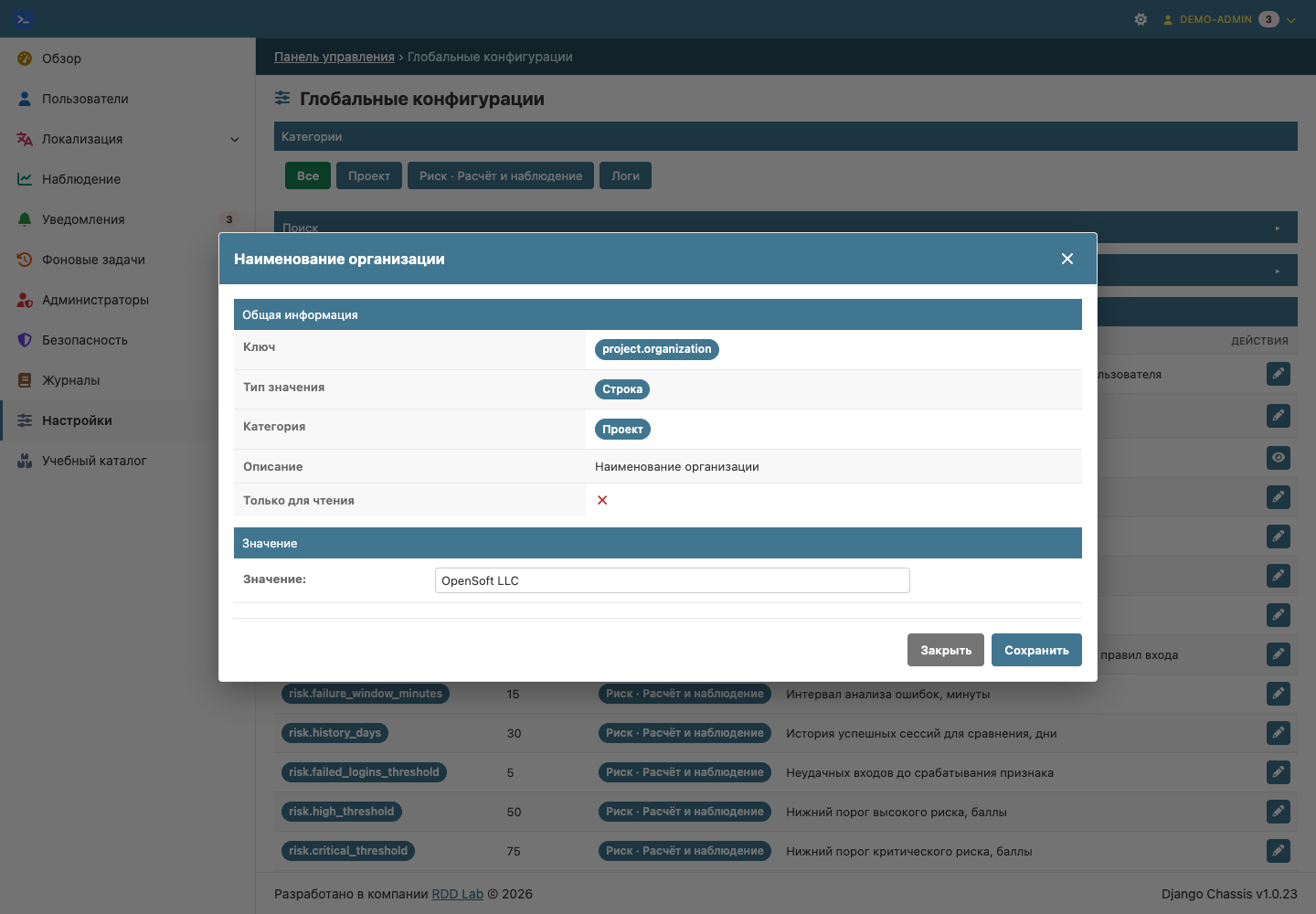
Drag the divider or use the arrow keys to compare themes.
Django Chassis 1.0.23 · training site with Russian UI
- The dialog displays the description, key and type.
- The form provides an editor for the setting type and its current revision.
- Save submits the change and returns to the catalog after success.
How to add it
Use the GlobalConfigAdmin registration in src/apps/admins/apps.py from the previous section. For an editable definition like project.organization, grant django_gc.change_globalconfig in addition to django_gc.view_globalconfig. In the catalog, click Edit on that row, enter Catalog Training Lab and save. Chassis chooses the input based on SettingType, checks the revision and reopens the catalog after a successful save.
Verify the same typed value that project code can read in uv run python src/manage.py shell.
from django_gc import get_value

assert get_value(key='project.organization') == 'Catalog Training Lab'