Open the translation key catalog
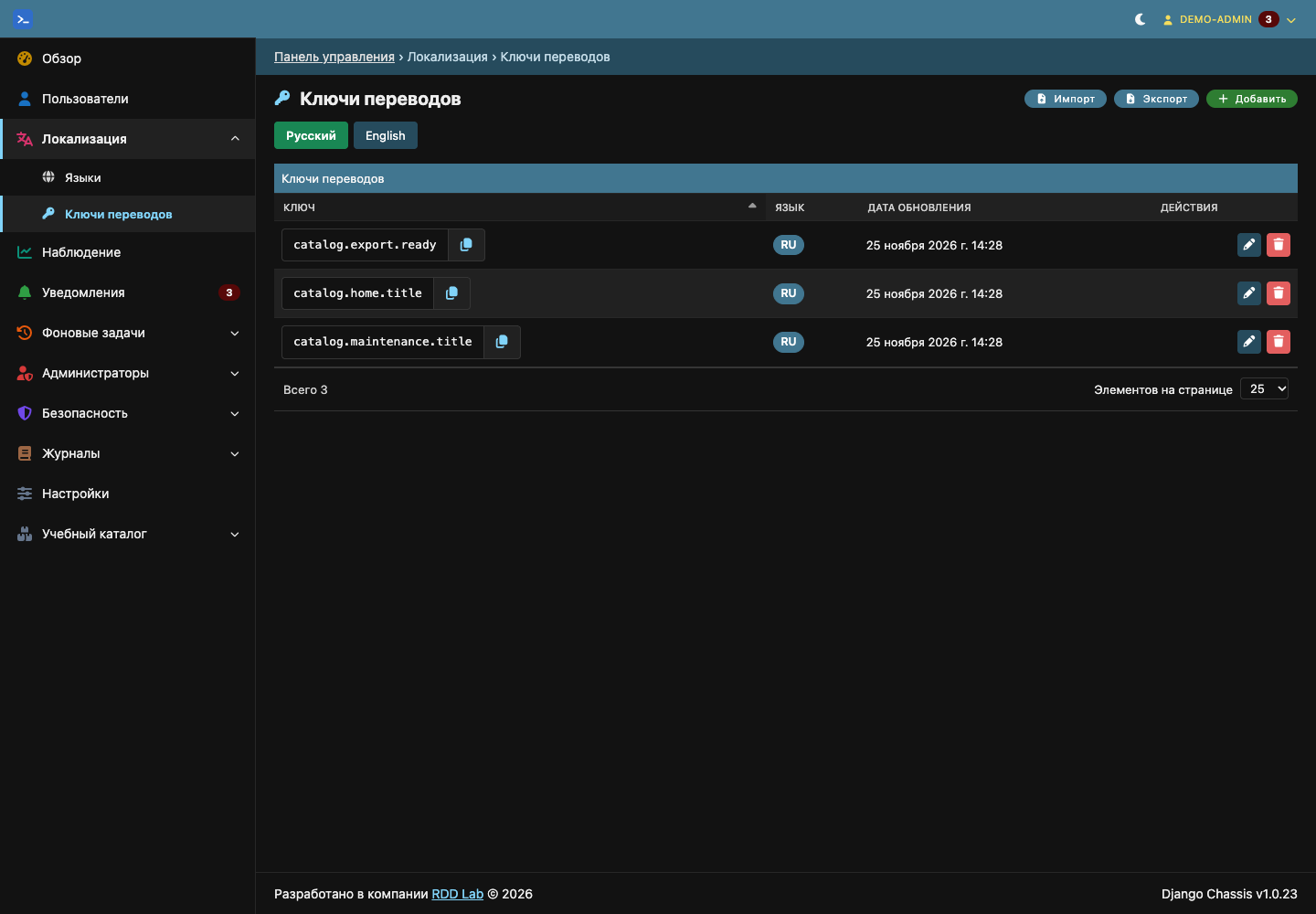
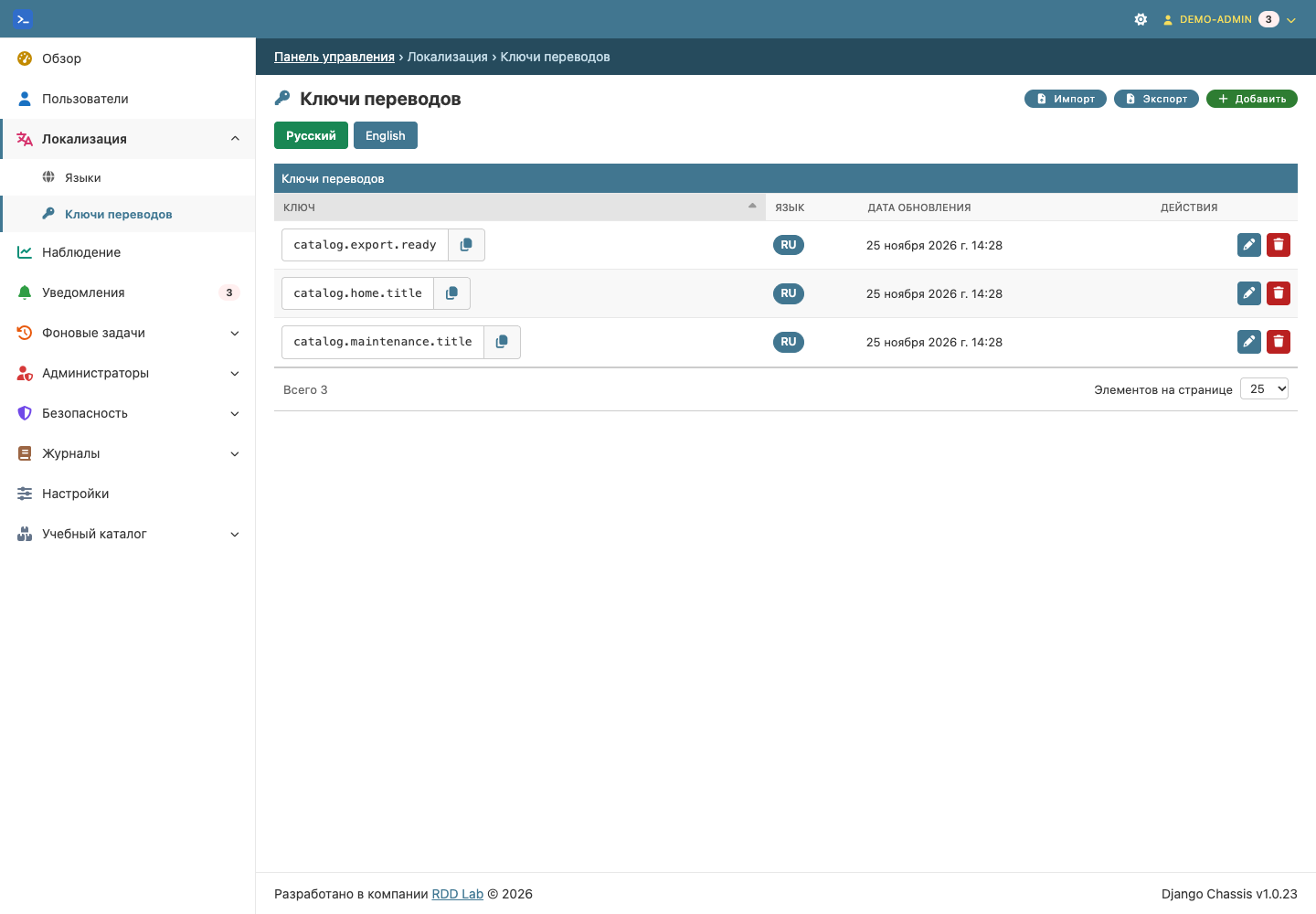
Drag the divider or use the arrow keys to compare themes.
Django Chassis 1.0.23 · training site with Russian UI
- Catalog actions include language-specific import and export.
- The table lists stable keys, languages and the update date.
How to add it
In src/apps/admins/sidebars.py, add this item to LOCALIZATION_SIDEBAR_SECTION.items in the section declaration. The Chassis site registers TranslationKey automatically.
SidebarModelItemOption(model='django_chassis.translationkey', icon_class='fa-solid fa-key')
Seed a key in uv run python src/manage.py shell after migrating the Chassis app. The language tabs show the catalog for each configured language.
from django_chassis.services import TranslationService

catalog = TranslationService()
catalog.merge(language='ru', entries={'catalog.home.title': 'Учебный каталог оборудования'})
catalog.merge(language='en', entries={'catalog.home.title': 'Equipment training catalog'})
Grant django_chassis.view_translationkey to open Localization → Translation keys. For JSON transfer, also grant django_chassis.view_translation_import and django_chassis.upload_translation_import for import, and django_chassis.view_translation_export, django_chassis.create_translation_export and django_chassis.download_translation_export for export. The transfer applies to the selected language tab.