Edit a translation
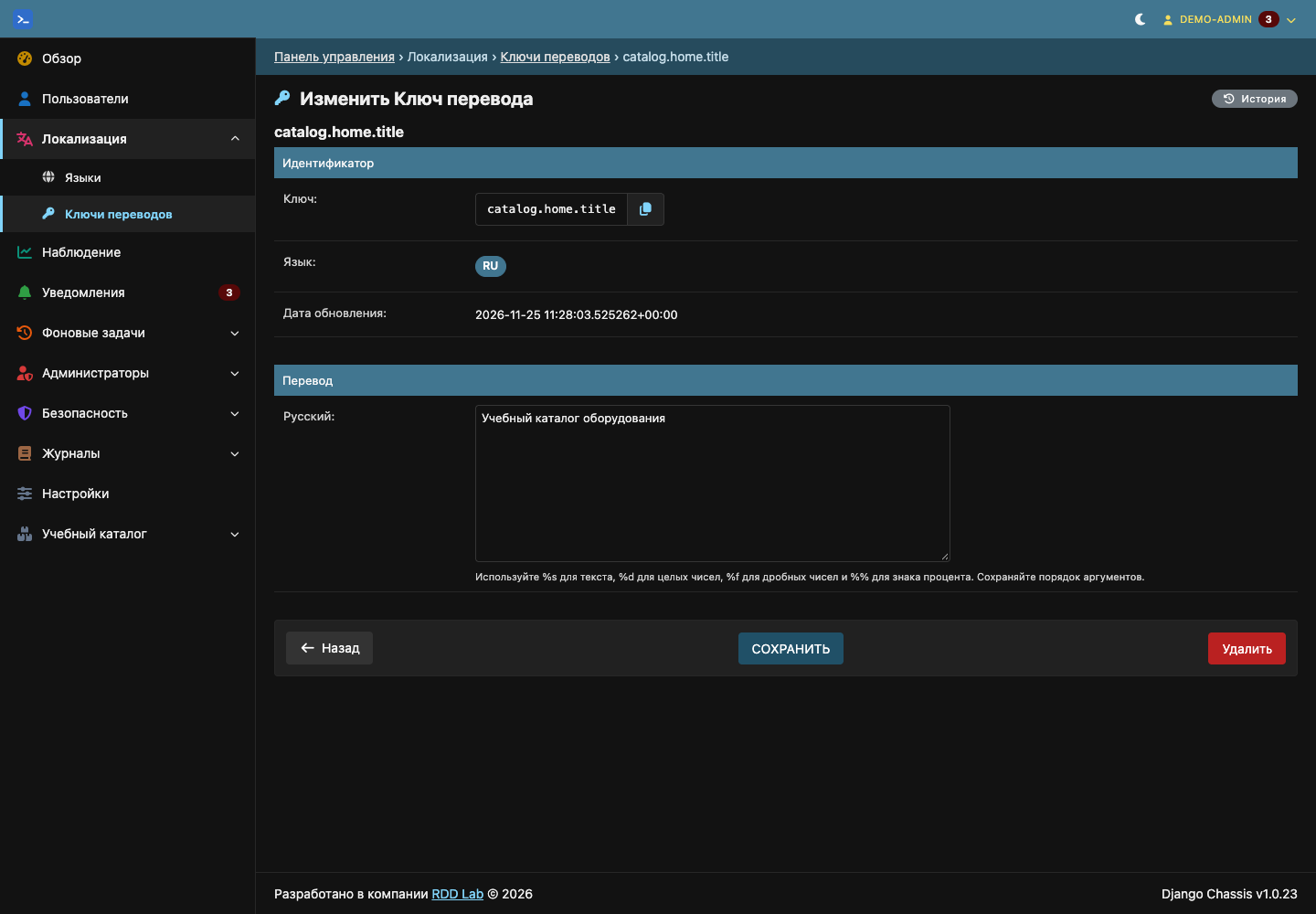
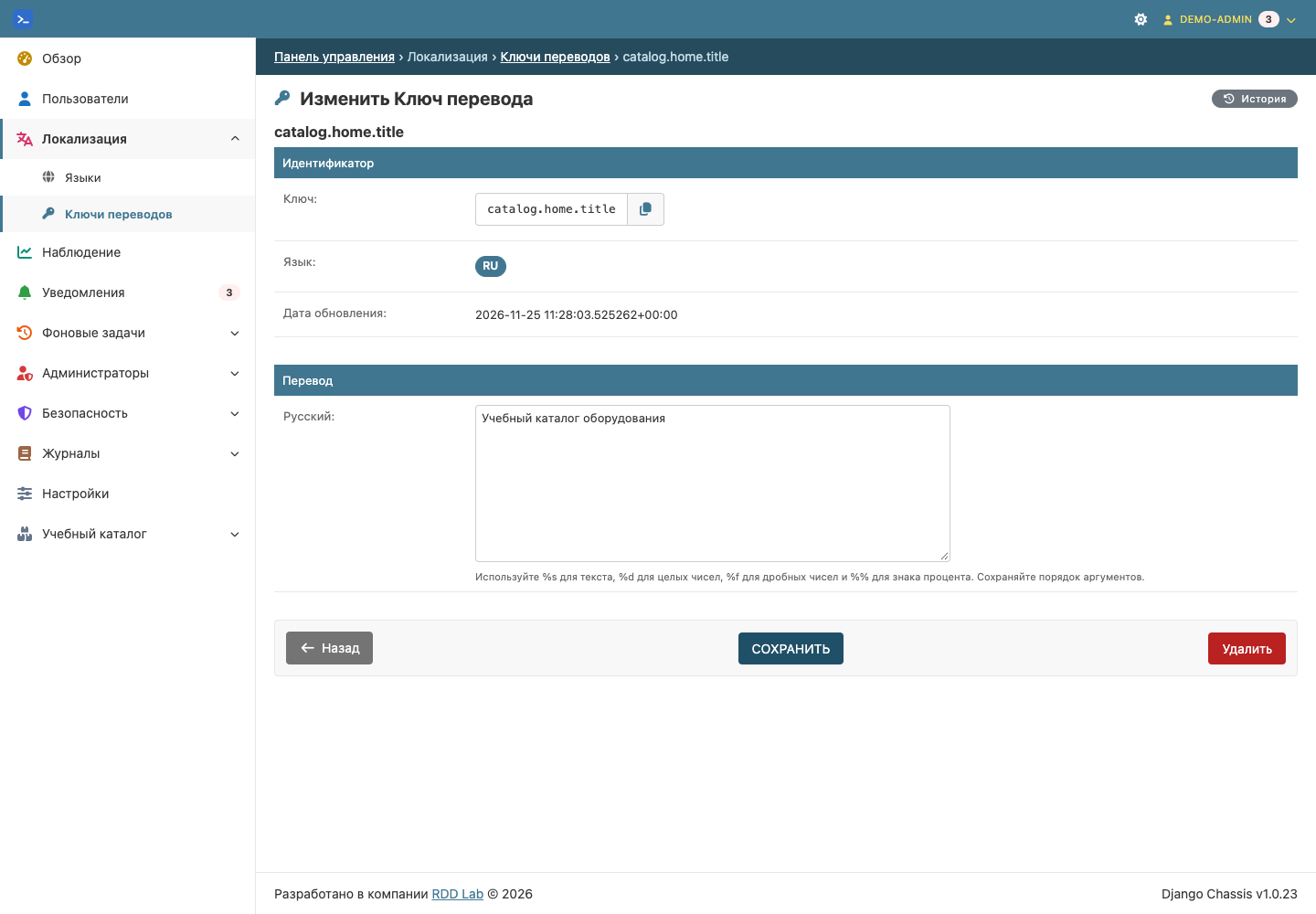
Drag the divider or use the arrow keys to compare themes.
Django Chassis 1.0.23 · training site with Russian UI
- The change form opens for the existing key.
- Text changes are stored for the selected language.
How to add it
Keep the TranslationKey registration from the catalog and grant the editor django_chassis.change_translationkey. On the Русский tab, open the catalog.home.title row seeded above. Save a new text. The form edits the translation associated with the existing key and the selected tab.
To make the same edit from code, run the following in uv run python src/manage.py shell.
from django_chassis.models import TranslationKey
from django_chassis.services import TranslationService

item = TranslationKey.objects.get(key='catalog.home.title')
catalog = TranslationService()
catalog.save_translation(
    item=item,
    key=item.key,
    language='ru',
    text='Учебный каталог'
)
Reload the row on Русский to verify the edit. The English tab still shows the English text seeded for the same key.