Acknowledge a notification
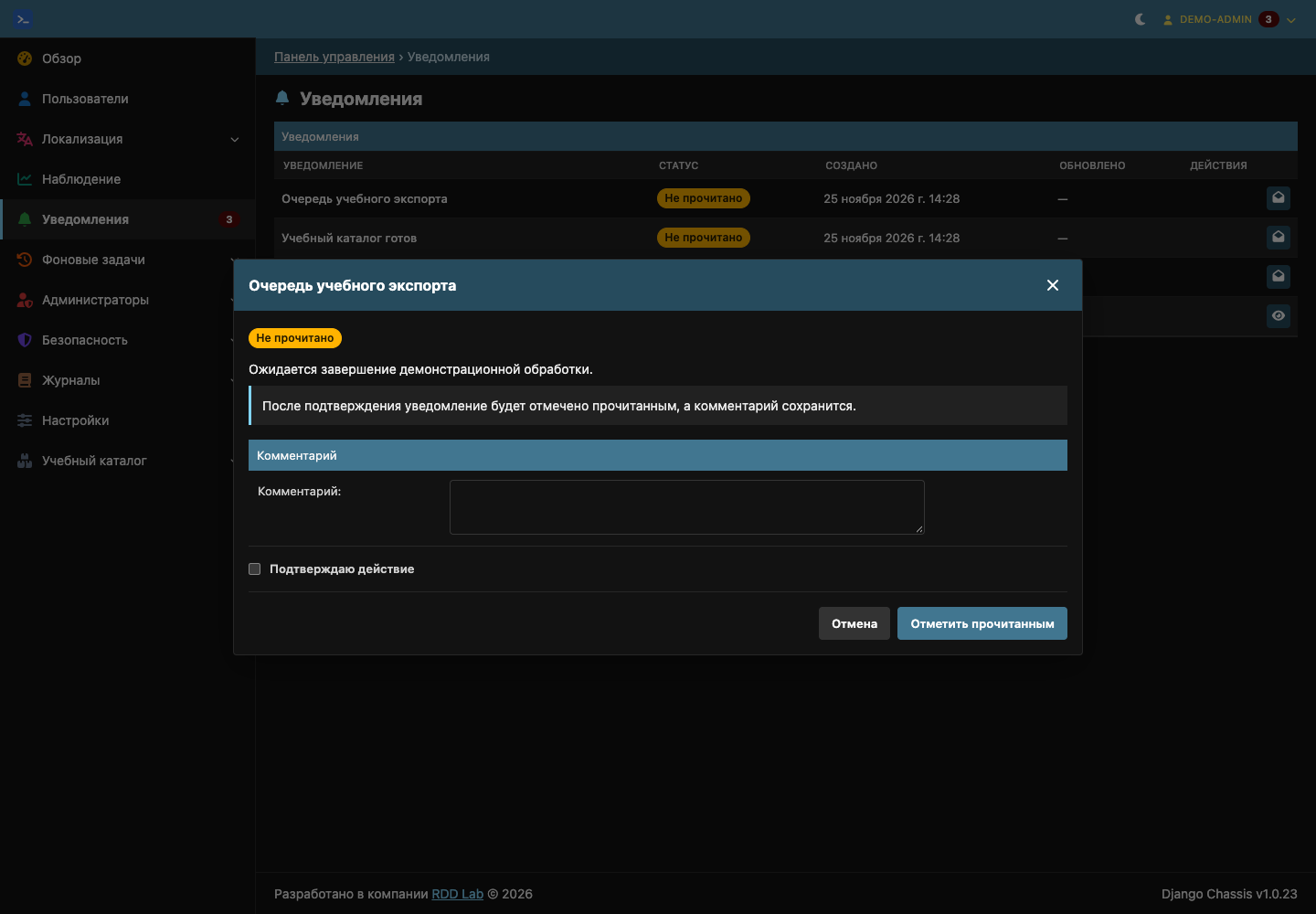
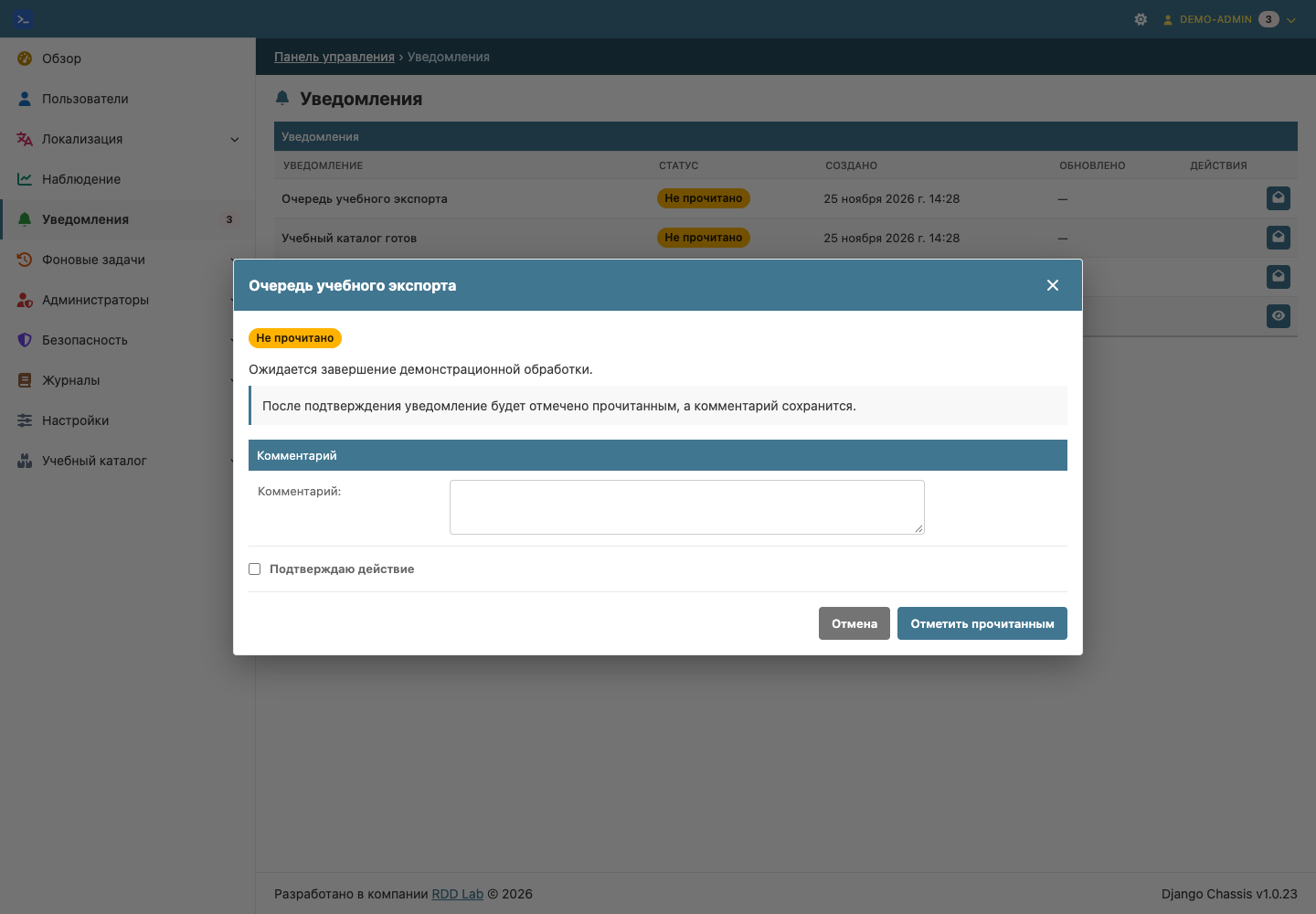
Drag the divider or use the arrow keys to compare themes.
Django Chassis 1.0.23 · training site with Russian UI
- The dialog identifies the notification and its message.
- A comment can accompany the read receipt.
- The confirmation records the receipt for the current recipient.
How to add it
With the inbox enabled, run the example in uv run python src/manage.py shell on a training database. Replace demo-admin with the login of an active staff recipient who can open the inbox.
from django.contrib.auth import get_user_model
from django.db import transaction

from django_chassis.models import GlobalAlert

User = get_user_model()
recipient = User.objects.get(**{User.USERNAME_FIELD: 'demo-admin'})

with transaction.atomic():
    alert, _ = GlobalAlert.objects.get_or_create(
        slug='lab-catalog-ready',
        defaults={
            'title': 'Equipment training catalog is ready',
            'message': 'Check that you can open the equipment records.',
            'is_global': False
        }
    )
    alert.recipients.add(recipient)
Sign in as the recipient and click Mark as read on the unread row. Chassis opens the dialog. Enter a comment and confirm to save the receipt and reduce the unread count. Reopen the row to see the saved comment. For a second delivery, use a fresh slug since the receipt is stored by recipient and slug.