Review recent admin activity
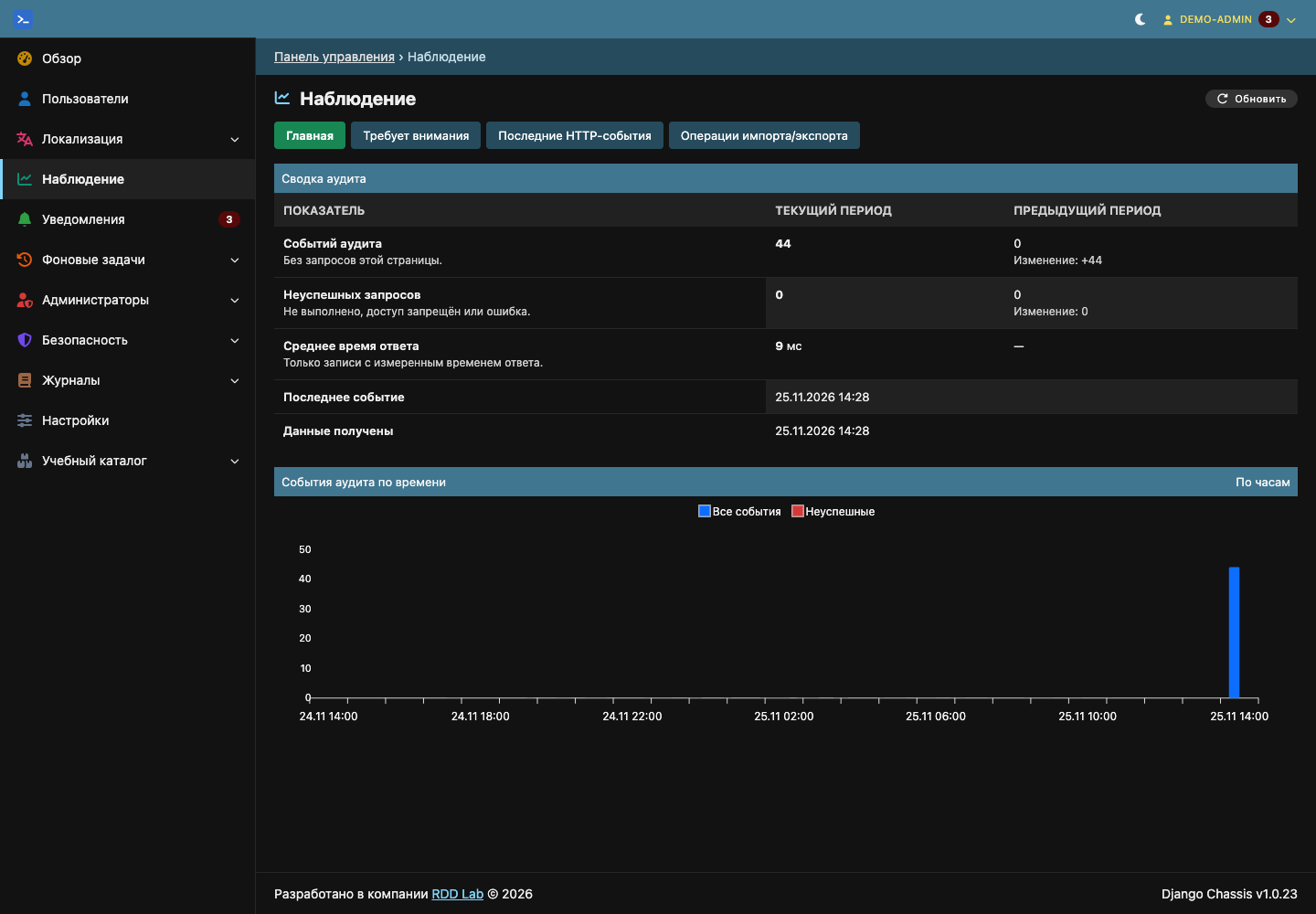
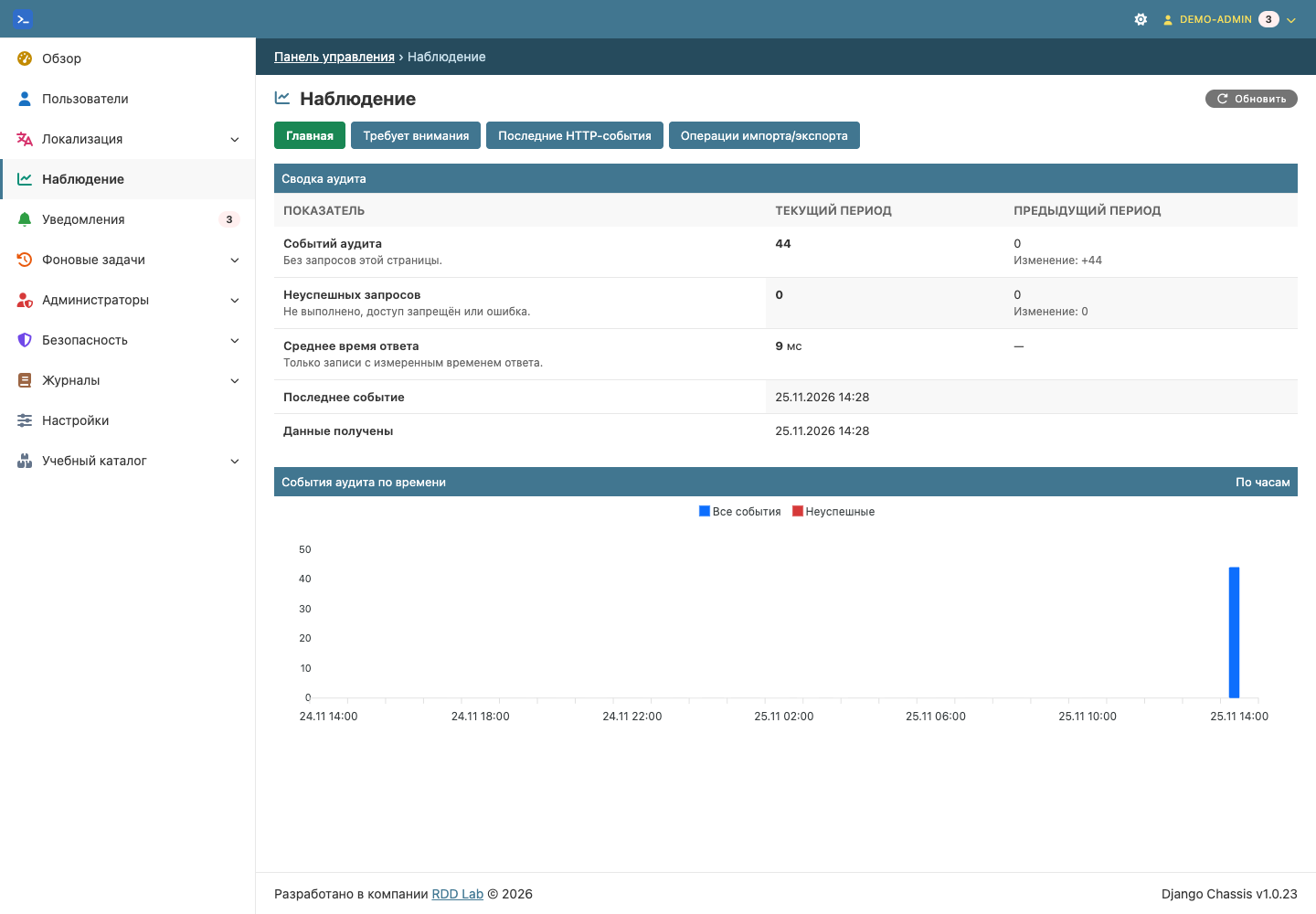
Drag the divider or use the arrow keys to compare themes.
Django Chassis 1.0.23 · training site with Russian UI
- The tabs lead to the audit overview, recent failures, HTTP events and transfer operations.
- The audit summary shows request counts, errors and response times.
- The two columns compare the current period with the preceding period of the same length.
How to add it
Register the page, its detail dialog, and the sidebar link on a
ChassisAdminSiteMixin site.
from django_chassis.sidebar import OBSERVABILITY_SIDEBAR_LINK
from django_chassis.views import ObservabilityAdminPage, ObservationDetailModal

# In the project AdminSite class, extend the existing registrations.
chassis_page_classes = (ObservabilityAdminPage,)
chassis_modal_classes = (ObservationDetailModal,)
sidebar_items = (OBSERVABILITY_SIDEBAR_LINK,)
Install AdminAuditMiddleware to record activity. Open Observability
as a staff account with django_chassis.view_adminauditlog. The
Operations tab is available to superusers. See
Observability setup for the audit
window and the optional database availability tab.