Open the notifications inbox
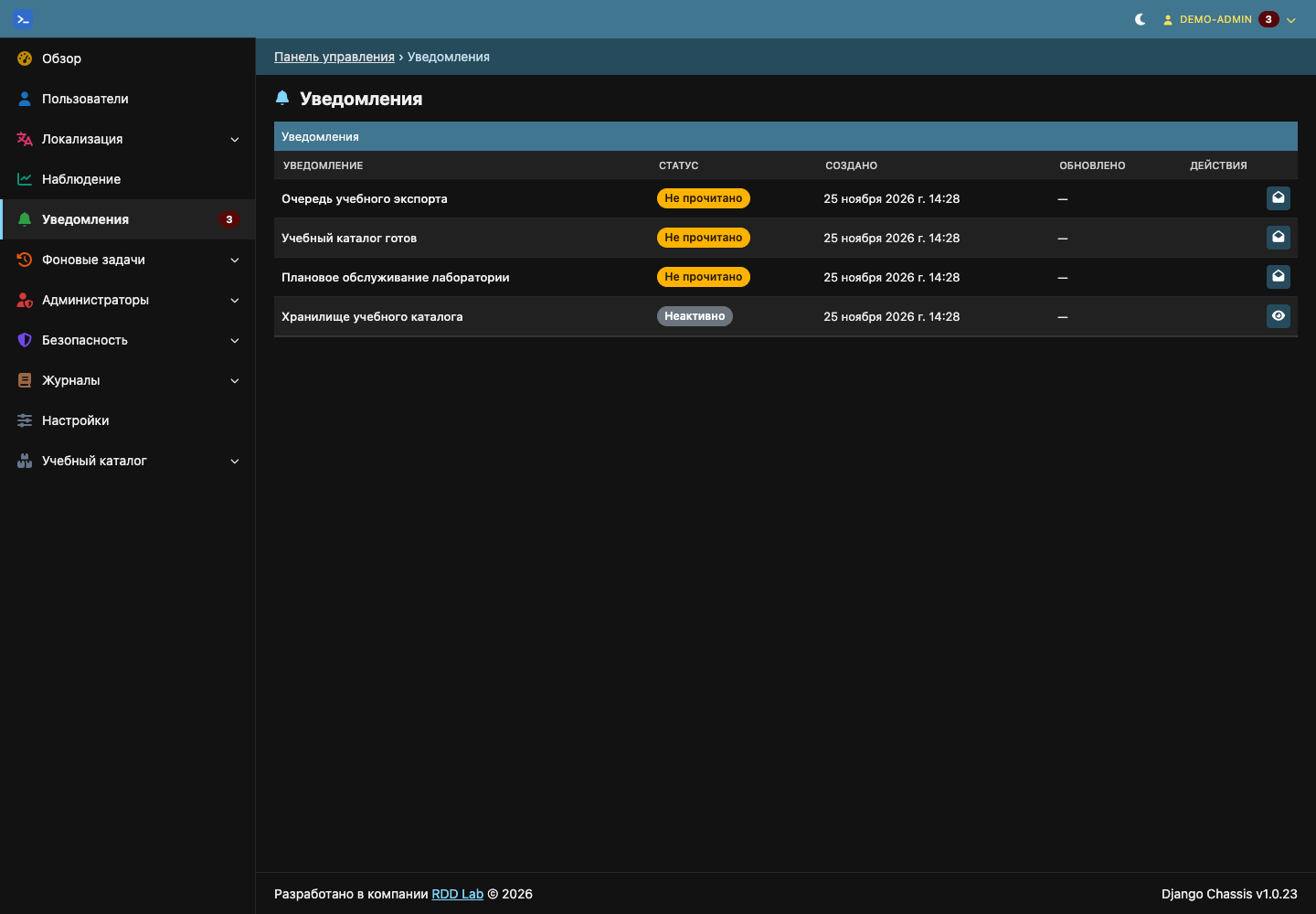
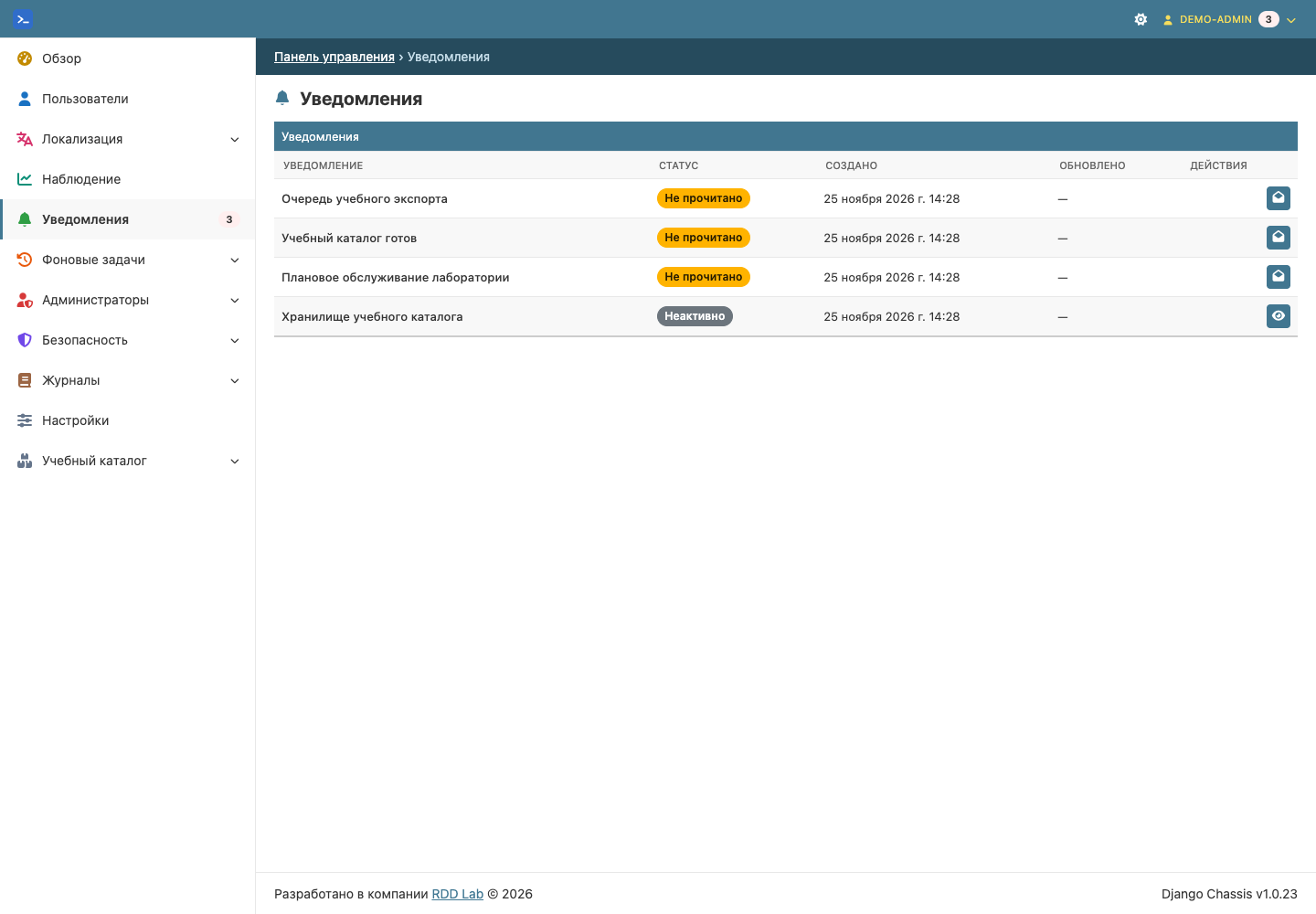
Drag the divider or use the arrow keys to compare themes.
Django Chassis 1.0.23 · training site with Russian UI
- The account area offers a shortcut with an unread indicator.
- The inbox shows status and timestamps for each notification.
- The row action opens the details and read confirmation.
How to add it
In src/apps/admins/site.py, set include_global_alerts on the PlatformAdminSite class that inherits from ChassisAdminSiteMixin and AdminSite. The second option reproduces the demo's extra inbox permission gate. Grant django_chassis.view_globalalertjournal to the staff group that should use the inbox with this configuration.
# Inside PlatformAdminSite, before admin_site is instantiated
include_global_alerts = True
global_alert_inbox_permission = 'django_chassis.view_globalalertjournal'
On the mounted site, open Notifications in the sidebar or use the account shortcut. An active unread message such as the sample in the next section increases the badge count. With the site mounted at /admin/, the inbox is at /admin/pages/notifications/.