Review languages and open the language selector
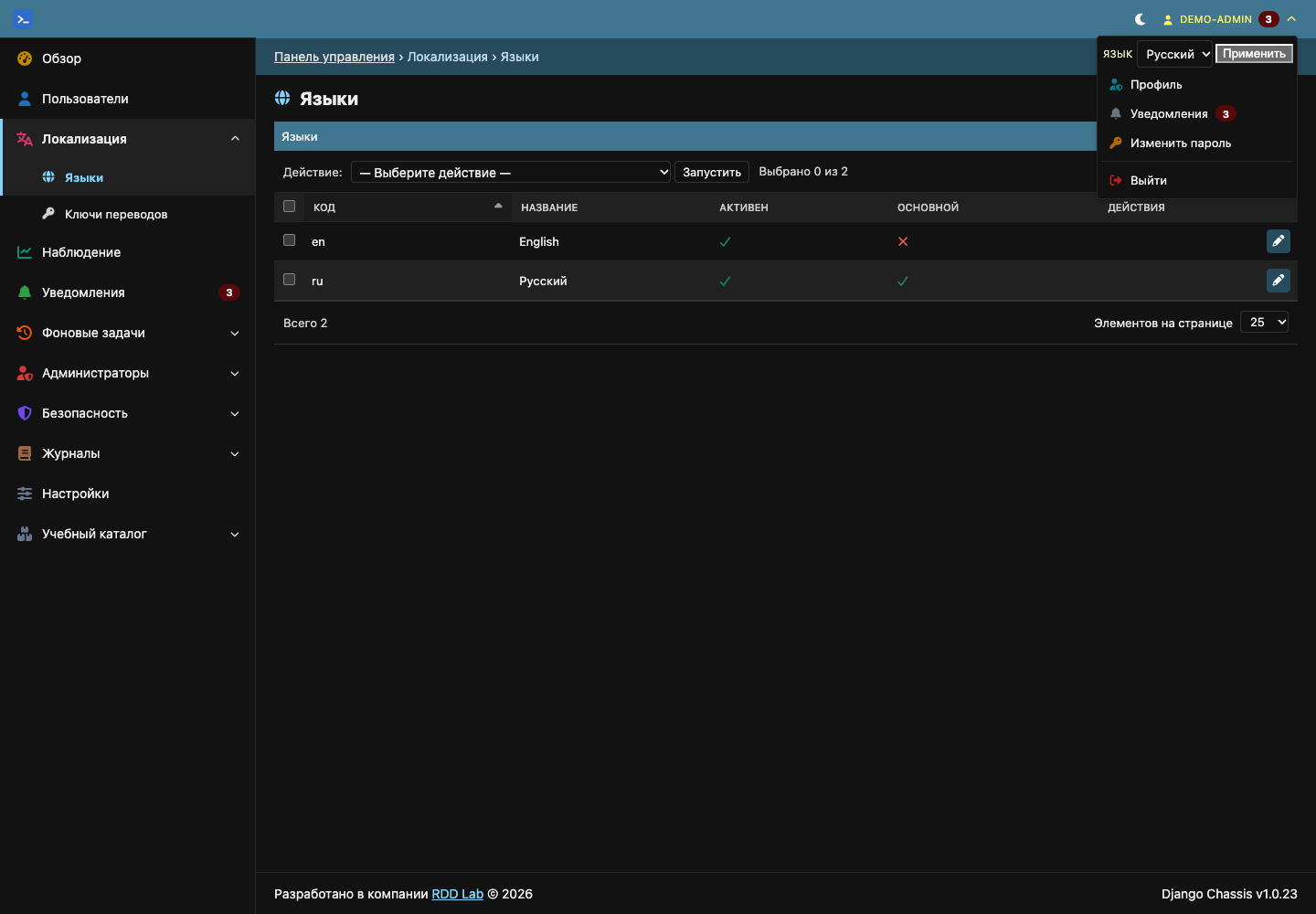
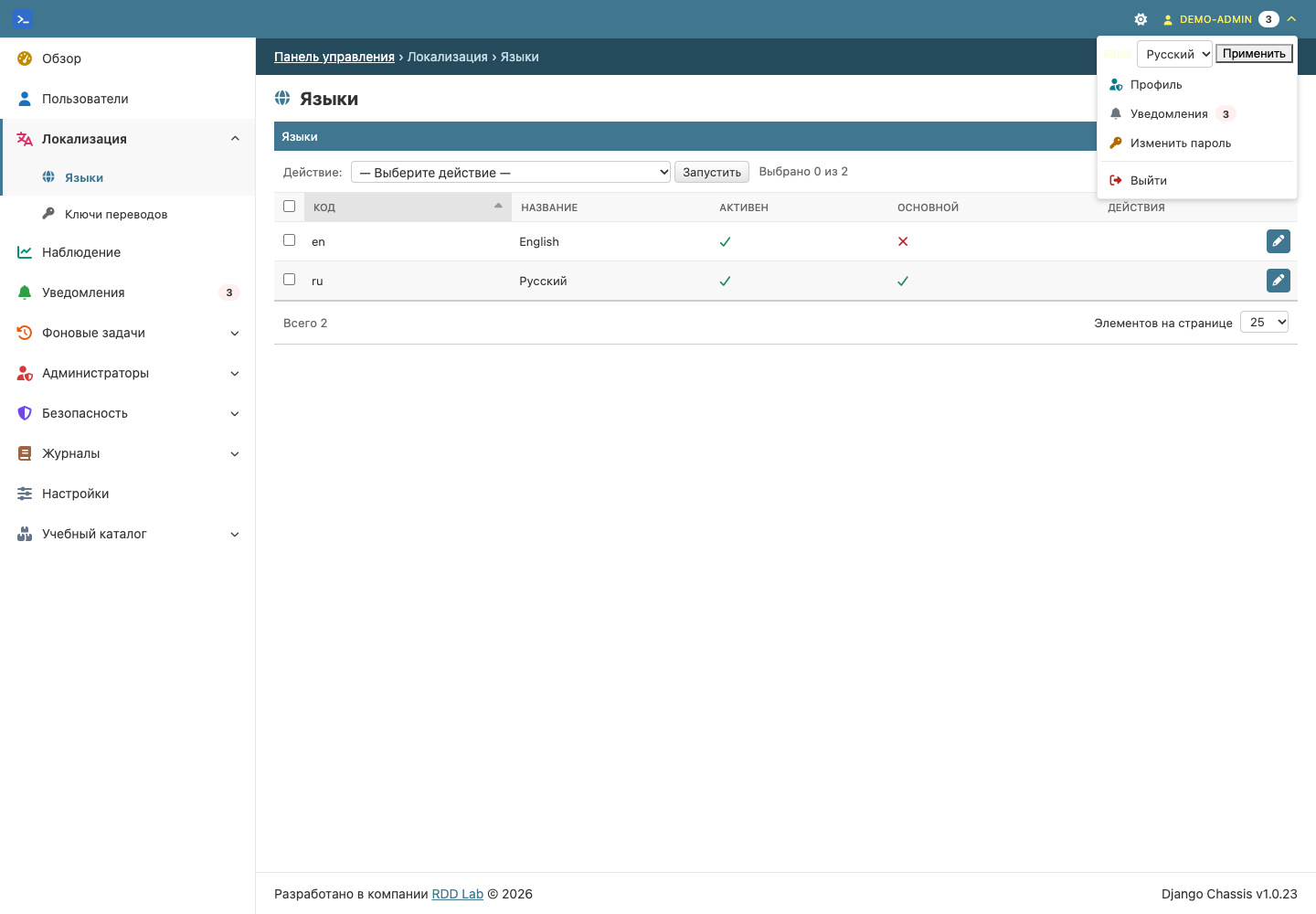
Drag the divider or use the arrow keys to compare themes.
Django Chassis 1.0.23 · training site with Russian UI
- The catalog shows which languages are active and which is primary.
- The user menu switches between active languages for the current account.
How to add it
In src/server/settings/middlewares.py, put the Chassis middleware after authentication and any Django LocaleMiddleware. Keep USE_I18N = True in src/server/settings/i18n.py. In src/apps/admins/sidebars.py, add the model item to LOCALIZATION_SIDEBAR_SECTION.items in the section declaration.
# Middleware list entry
'django_chassis.middlewares.ProfileLanguageMiddleware'

# Entry in LOCALIZATION_SIDEBAR_SECTION.items
SidebarModelItemOption(model='django_chassis.language', icon_class='fa-solid fa-globe')
After migration, Russian is active and primary. Activate the seeded English language in uv run python src/manage.py shell.
from django_chassis.services import LanguageService

LanguageService().set_active(code='en', active=True)
Grant the operator django_chassis.view_language to open Localization → Languages. Open the account menu and select English. The preference changes for that account and remains selected after reloading.